
- "Is there a report that shows any changes made to invoices?"
Resolution Steps
Navigate to Reports > Invoicing and Payments > Invoice Changes.
Choose a Date Range
Use the date filters to select the time period you want to review.
- Add filter (optional)
- Exclude Walk-In Customer Data - only show customer invoices, excluding the valued customer account.
- Show Only Walk-In Sales - only show valued customer invoices.
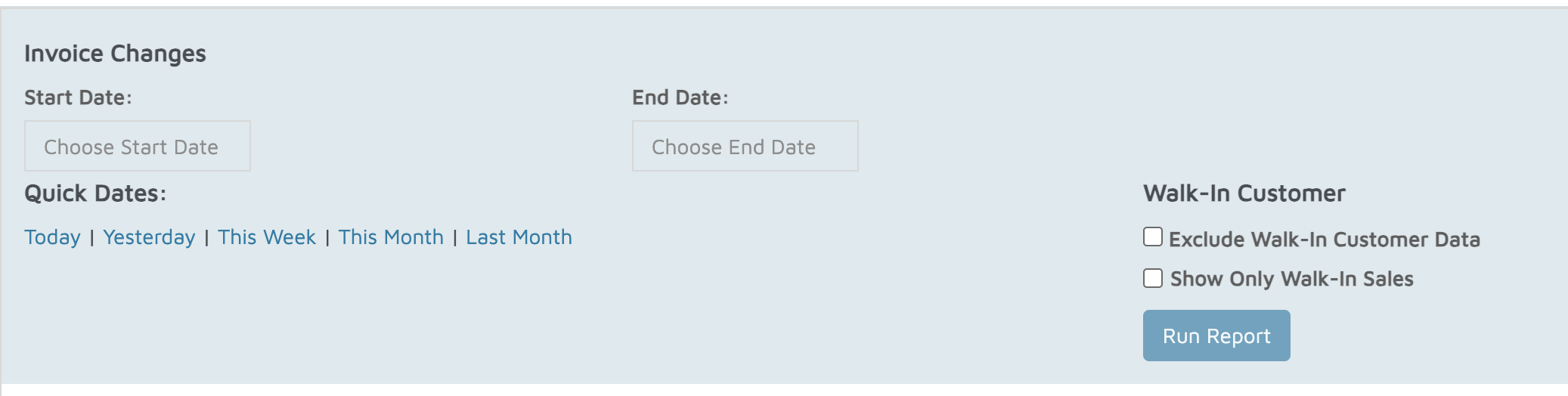
Run the Report
The report will generate and display all invoices within that date range.
Review Invoice Changes
The report shows:
Which invoices were changed
What changes were made
Who made the changes
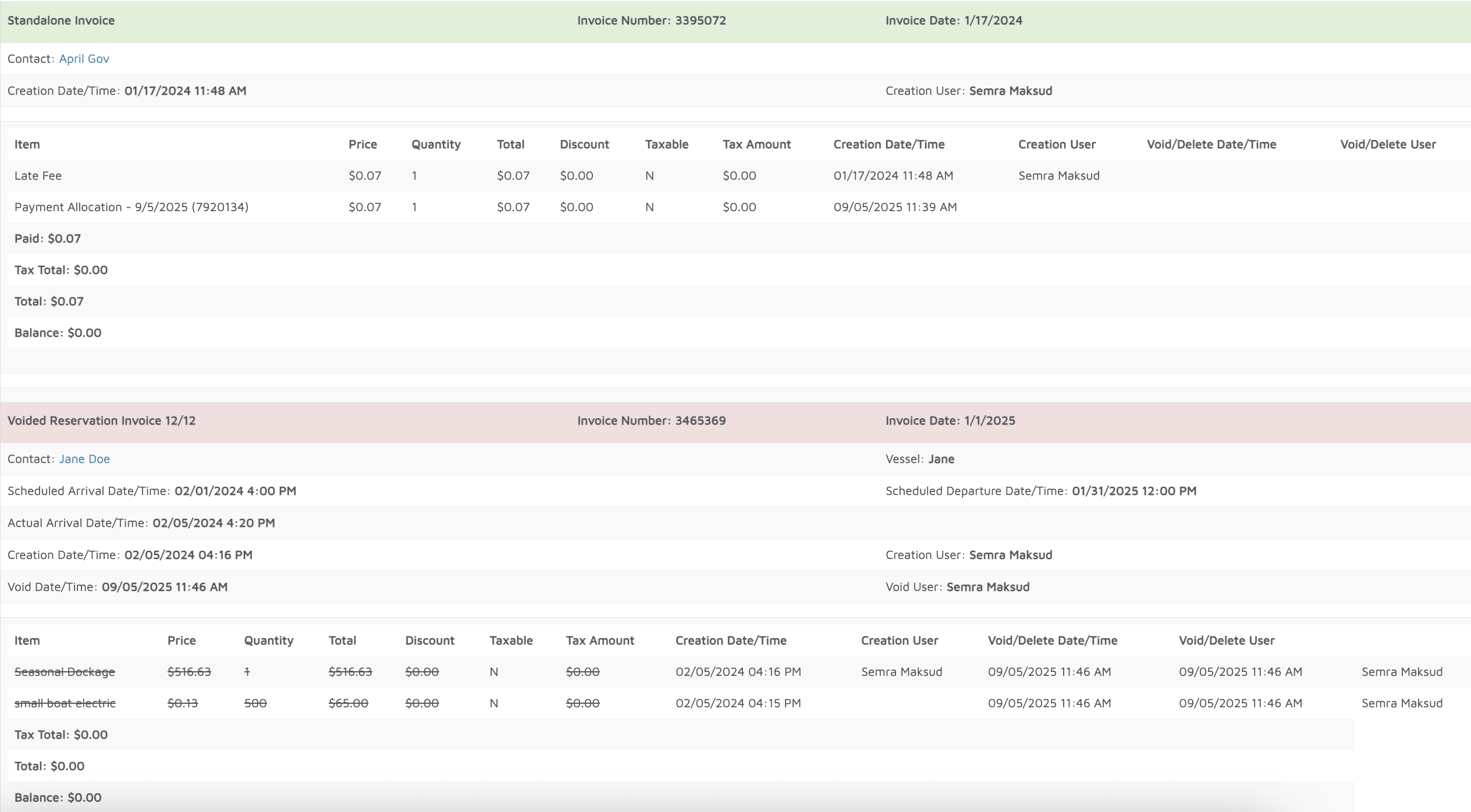
Verification: The report should display any changes made to any invoices.