
- "How do I view reservation movements, including cancellations, space details, and optional customer info in reports?"
Resolution Steps
- Go to Reports.
- Select Reservation and Spaces.
- Click on Reservation Movements.
- Choose the Start Date and End Date you want to review.
- Optional Filters:
- Display cancelled reservations.
- Hide the balance count column.
- Hide notes.
- Show customer email address.
- Display registration expiration.
- Display insurance expiration.
- Click Run Report.
- The report will display all reservations within the chosen time period, the space they were in, and the size of the space.
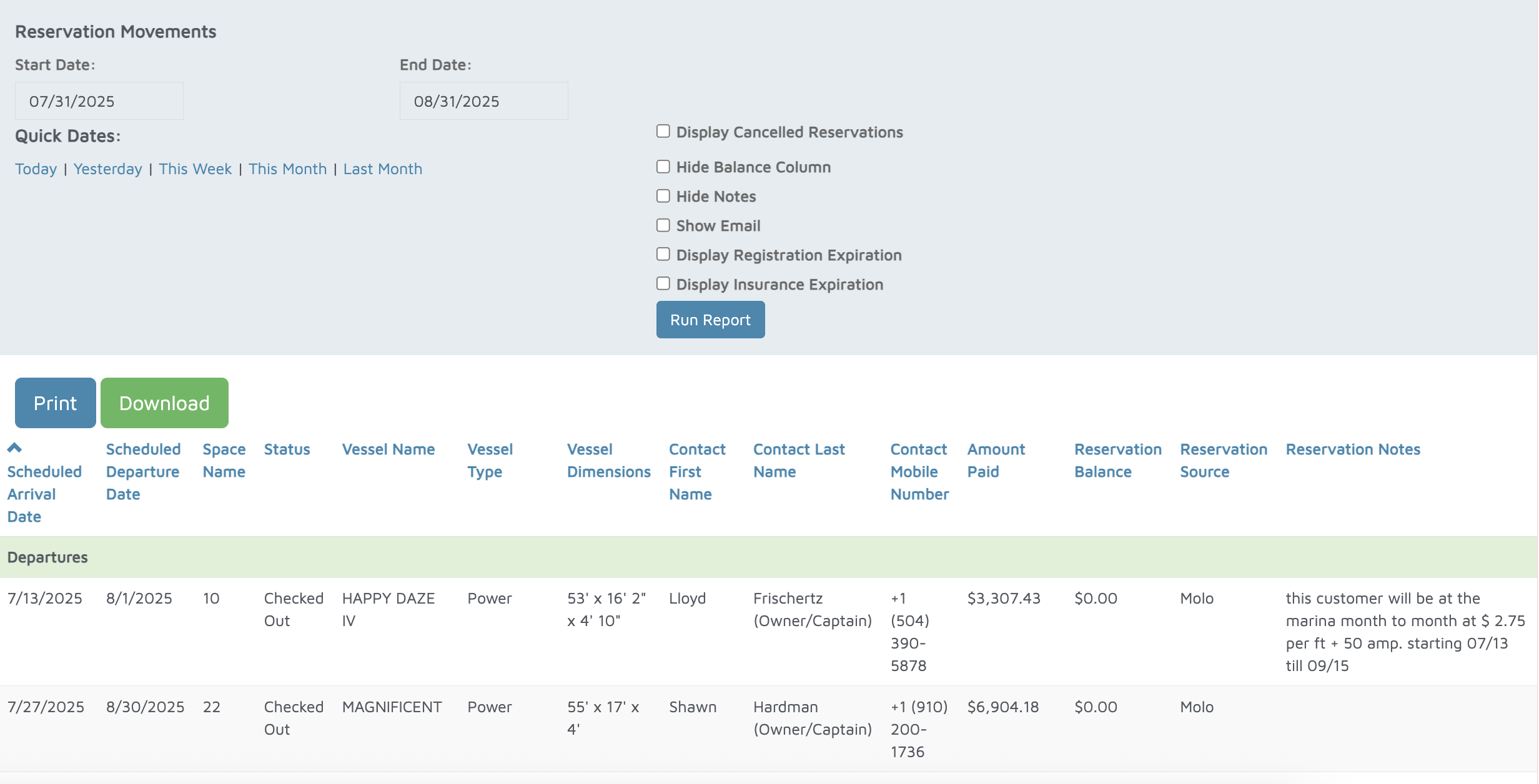
Verification: The report will populate all reservations within the time frame of the dates selected.