
- "Can you show me the General Ledger report?"
- "Where can I find the General Ledger report?"
Resolution Steps
- Exports debits and credits from Molo for accounting entries. GL account numbers in Molo can be matched to QuickBooks (QB). Can be auto-emailed as CSV for import into most systems.
- Go to Reports -> Finance -> General Ledger.
- You can run the GL report in several different modes:
- By Default, the report will run in a formatted view where each ledger is summarized and spaced out.
- Display Compact View allows the download of a CSV type file, that can be ingested into your accounting program.
- Run for Entire Company will run the GL for each Marina Location under your company (if your company has multiple locations) and display all ledger results along with which marina location they belong to.
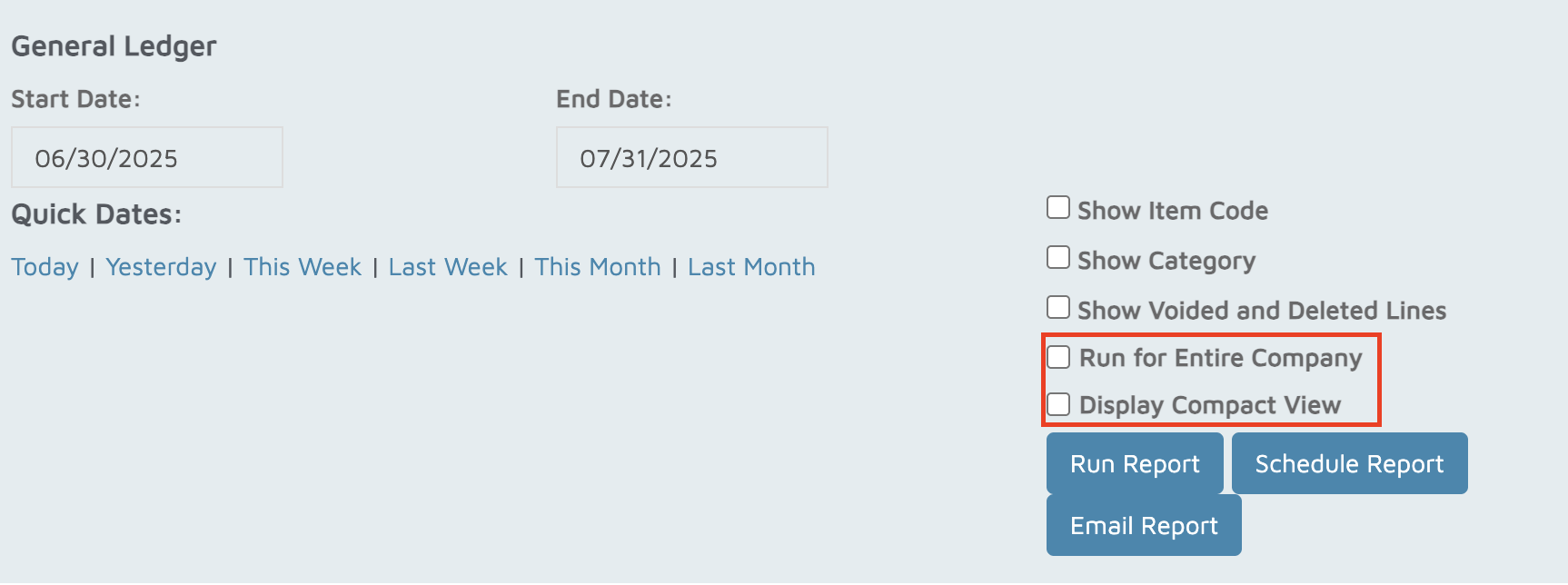
Choose the Date Range you want to review.
Click Run Report.
The system will group results by General Ledger (GL) Code for easier review.
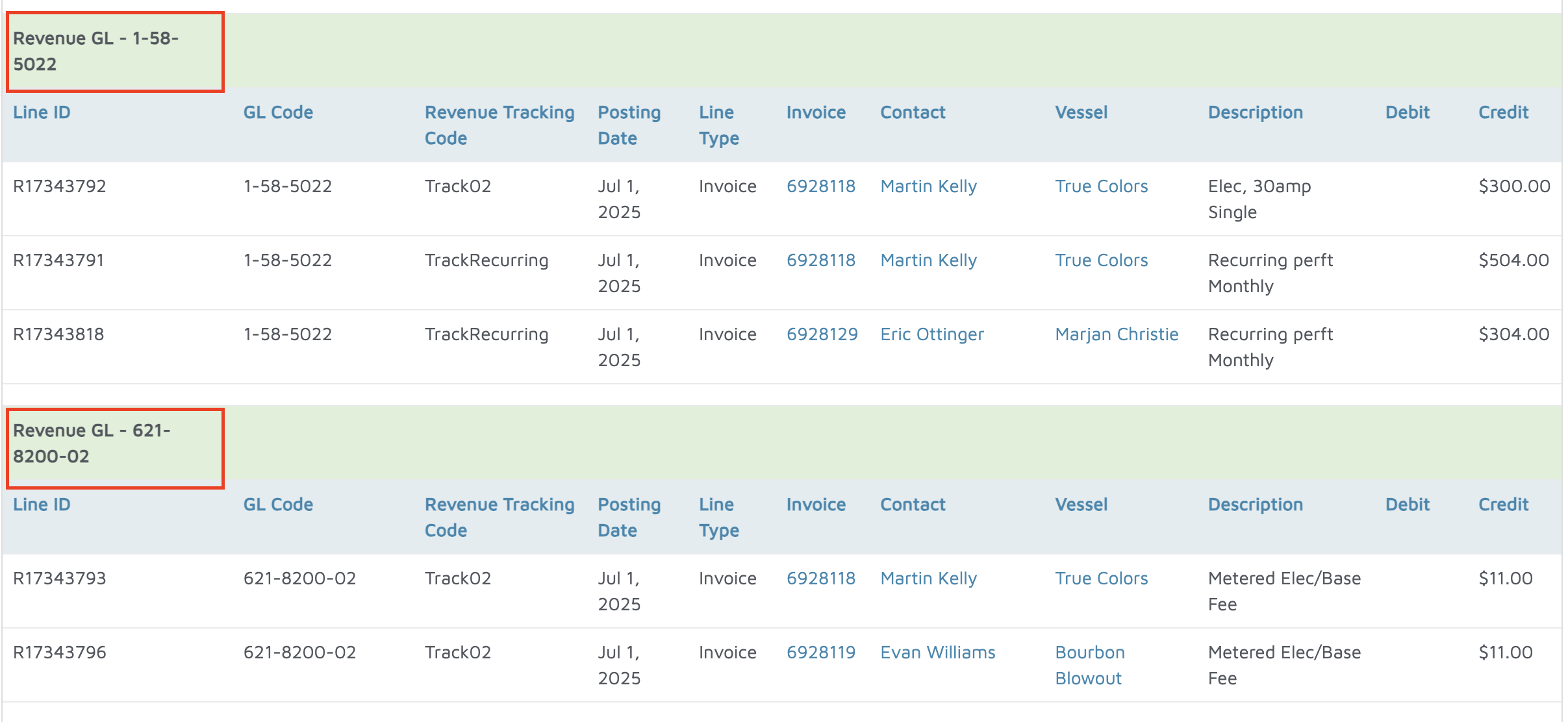
Verification: Confirm the report shows accurate data.