
- "How do I generate a list of customers with contact and vessel details?"
Resolution Steps
- Go to Reports from the main menu.
- Select Contact and Vessels.
- Click on Customer.
- Enter the start date and end date for the report range.
- Apply filters as needed:
- Exclude walk-in customer data
- Only show new customer data within the date range
- Show inactive contacts
- Show deleted contacts
- Include inches in vessel dimensions as a decimal
- Select specific tags you want to filter by
- Click Run Report.
- The report will display:
- Customer first and last name
- Company name (if tied to a company)
- Tags associated with the customer account
- Account creation date
- Email and phone number
- Vessel details
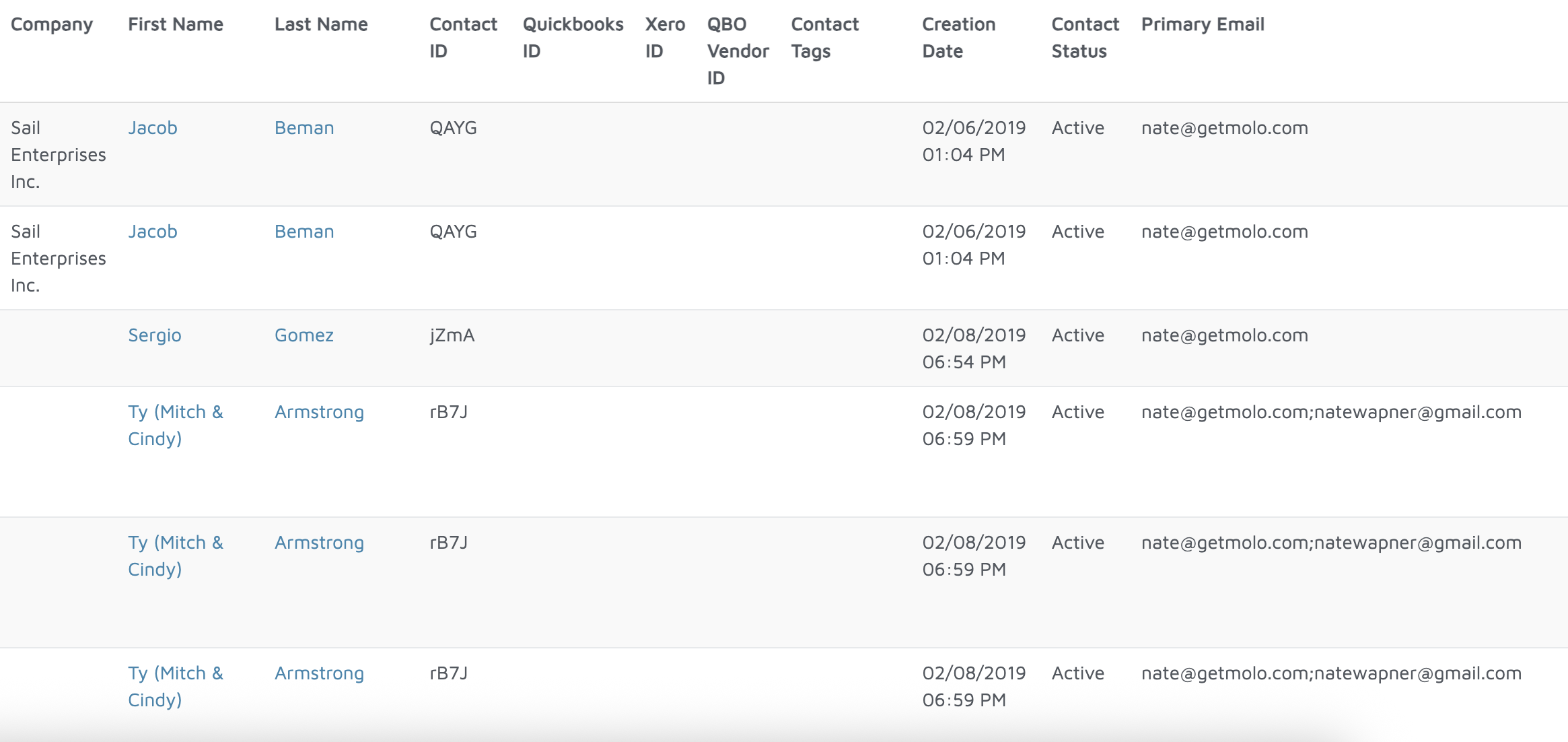
Verification: The report will populate all customers added as contacts into Molo.