
- "How do I review all activity notes, including edits and deleted notes, for contacts and vessels?"
Resolution Steps
- Go to Reports from the main menu.
- Select Contact and Vessels.
- Click on Activity.
- Enter the date range you want to review.
- Apply filters as needed:
- Show system-generated notes – include notes automatically created by the system.
- Show deleted notes – include notes that were deleted.
- Click Run Report.
- The report will display:
- The note date
- The user who created the note
- The contact/customer the note is tied to
- Vessel details if linked to a reservation
- The note content
- If edited, the edit date/time and who made the edit
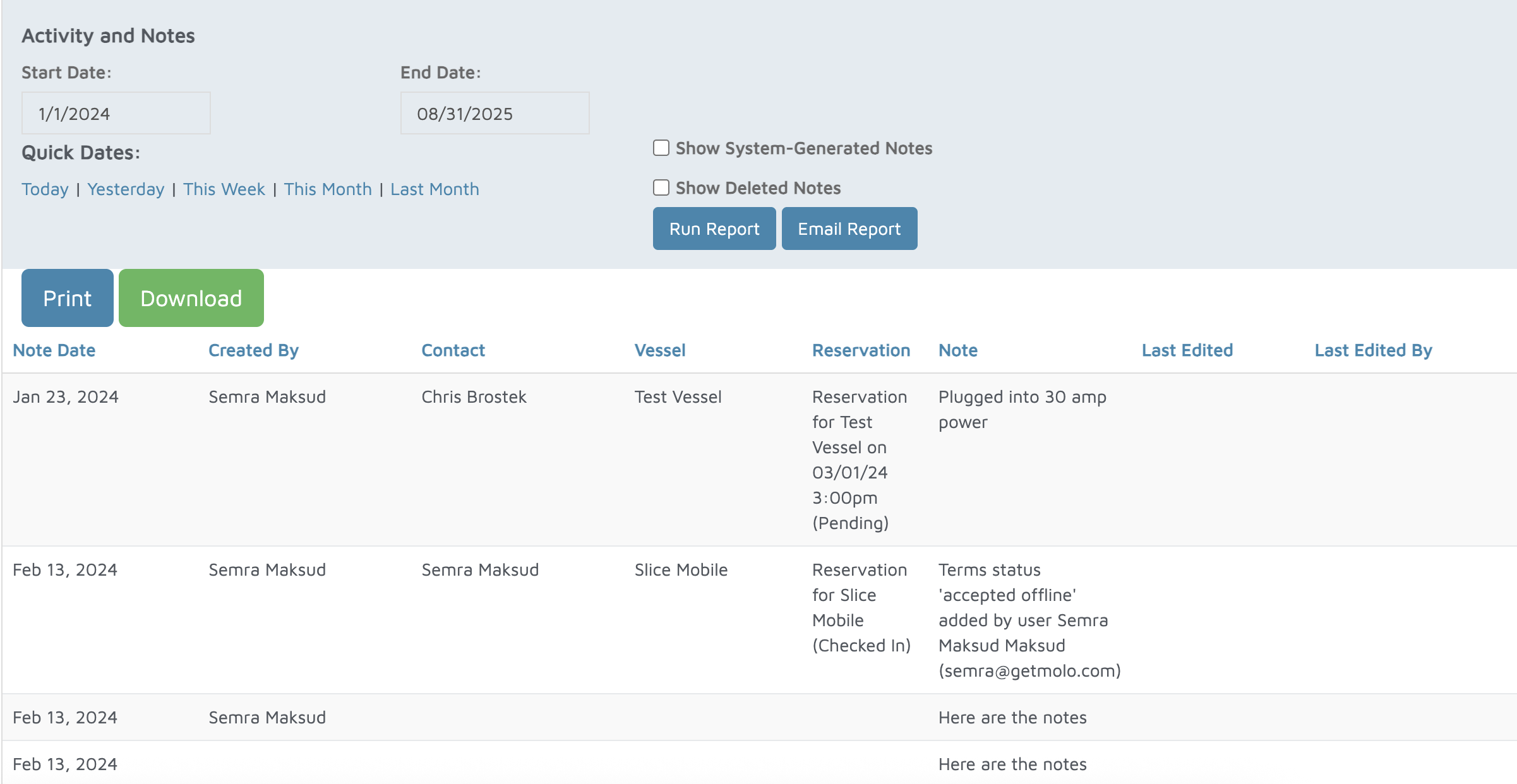
Verification: Any activity and notes will be populated on this report.