
- "How can I check how many Surcharges we've charged?"
- "Is there a way to see how many credit card fees we've collected?"
Resolution Steps
- On the left menu, click Reports.
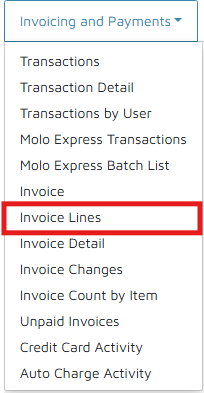
- Click Invoice & Payments > Invoice Lines.
- Select the following:
- Date Range: Select desired Start and End Dates
- Filter by items: Select Credit Card Surcharge (or any items with "Surcharge")
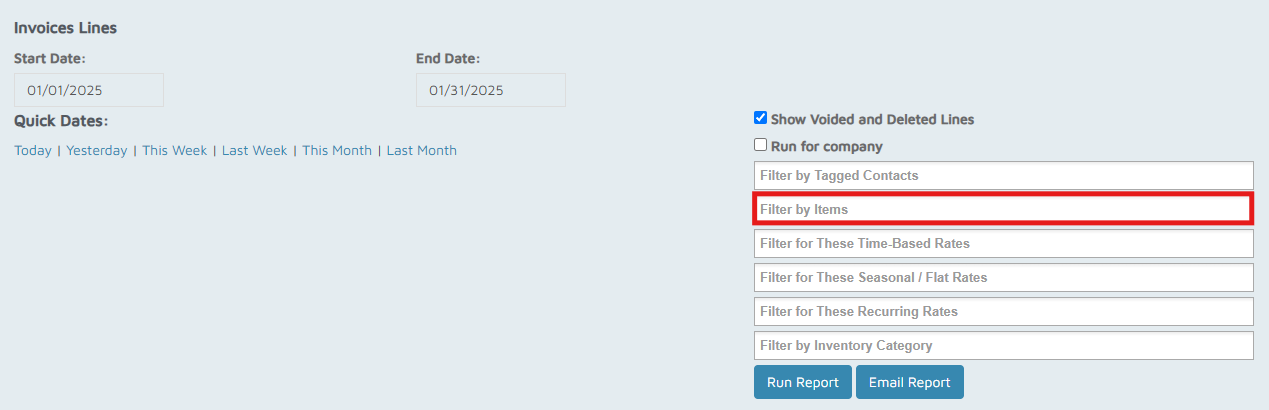
- Click Run Report.
Verification/Confirmation: The results will show a filtered Invoice Lines Report that shows surcharge items.