
- "How do I add a new vessel in Molo?"
- "Can you show me how to add a new boat in Molo?"
Resolution Steps:
- On the left-side menu, click on Contacts & Vessels > Vessels.
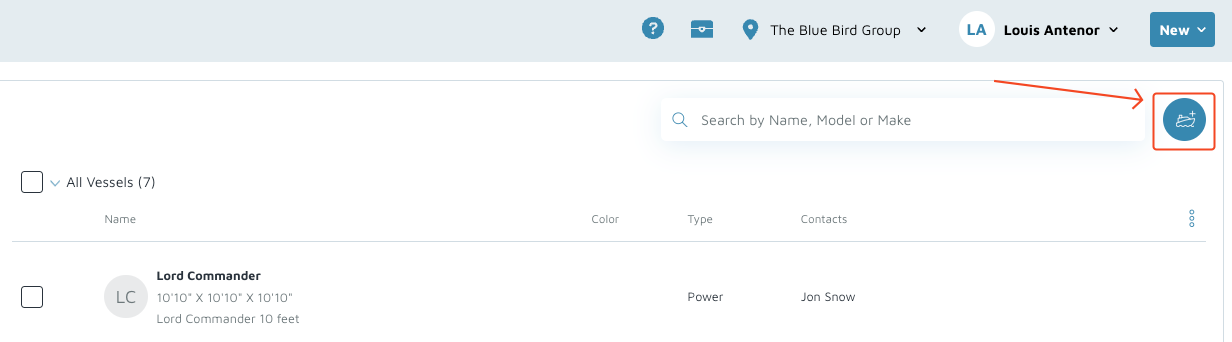
- On the top right corner of the screen, click the Add new vessel button.
- Complete the following required fields:
- Vessel Name
- Vessel Type
- Linked Contacts
- Click Link a contact to this vessel to select a linked contact.
- Length Overall
- Beam
- Draft
- (Optional) Add further details such as image, insurance, vessel address, etc.
- On the top right, click Save.
Verification: The vessel should appear in the Vessel list.