- "I need assistance with making a partial payment."
Resolution Step
Molo offers the option to make either partial or full payments. Customers can choose to pay a portion or the entire amount.
Collecting Full Payment
While on the Invoice screen, click Payment. A virtual keypad and payment method buttons will appear.
- If Cash or Check is clicked, the system assumes the full amount is collected.
- For example, if the total is $100.00 and Check is clicked, the system will assume the entire $100.00 is being paid by check.
- For example, if the total is $100.00 and Check is clicked, the system will assume the entire $100.00 is being paid by check.
Collecting Cash Payments Greater than Amount Due (i.e. Change Due)
- When on the Payment screen, a virtual keypad and payment method buttons will appear.
- Key in the cash payment, then click Cash.
- For example, if the invoice amount is $3.23 but the customer handed $5, key in "5" then click Cash.
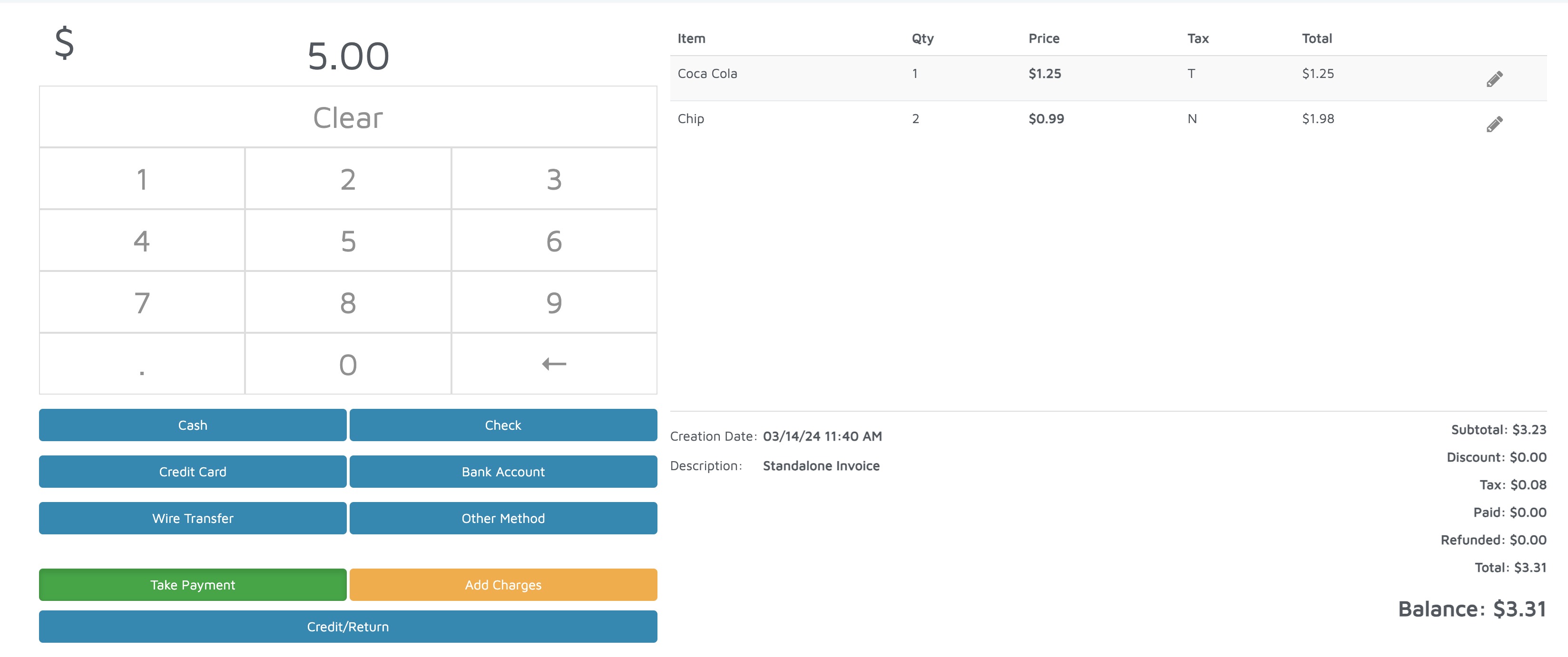
- For example, if the invoice amount is $3.23 but the customer handed $5, key in "5" then click Cash.
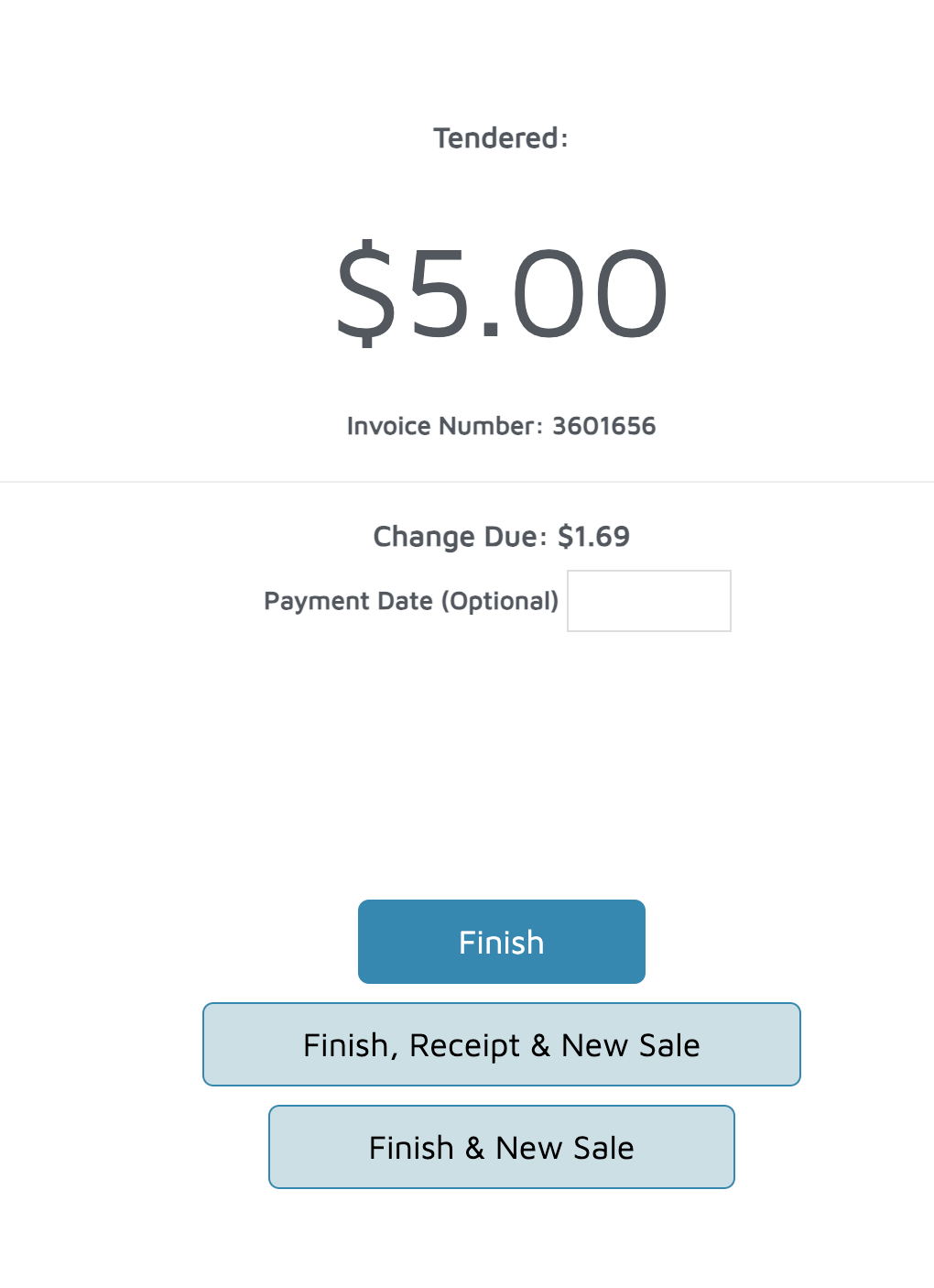
- The next screen will show the Tendered (or "offered") amount and change due.
- For example, the tendered amount is $5, and the change due is $1.69.
- For example, the tendered amount is $5, and the change due is $1.69.