
- "How do I change the price of my Inventory Item?"
Resolution Steps
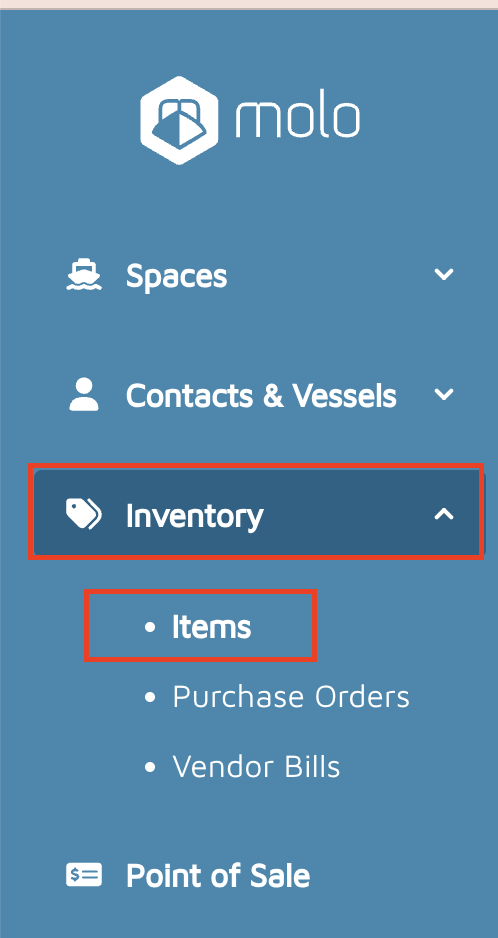
- On the left menu, click Inventory > Items.
- Find the desired inventory item to edit (use the search bar in the top left corner if needed).
- Click the pencil icon to the right of the inventory item's name.
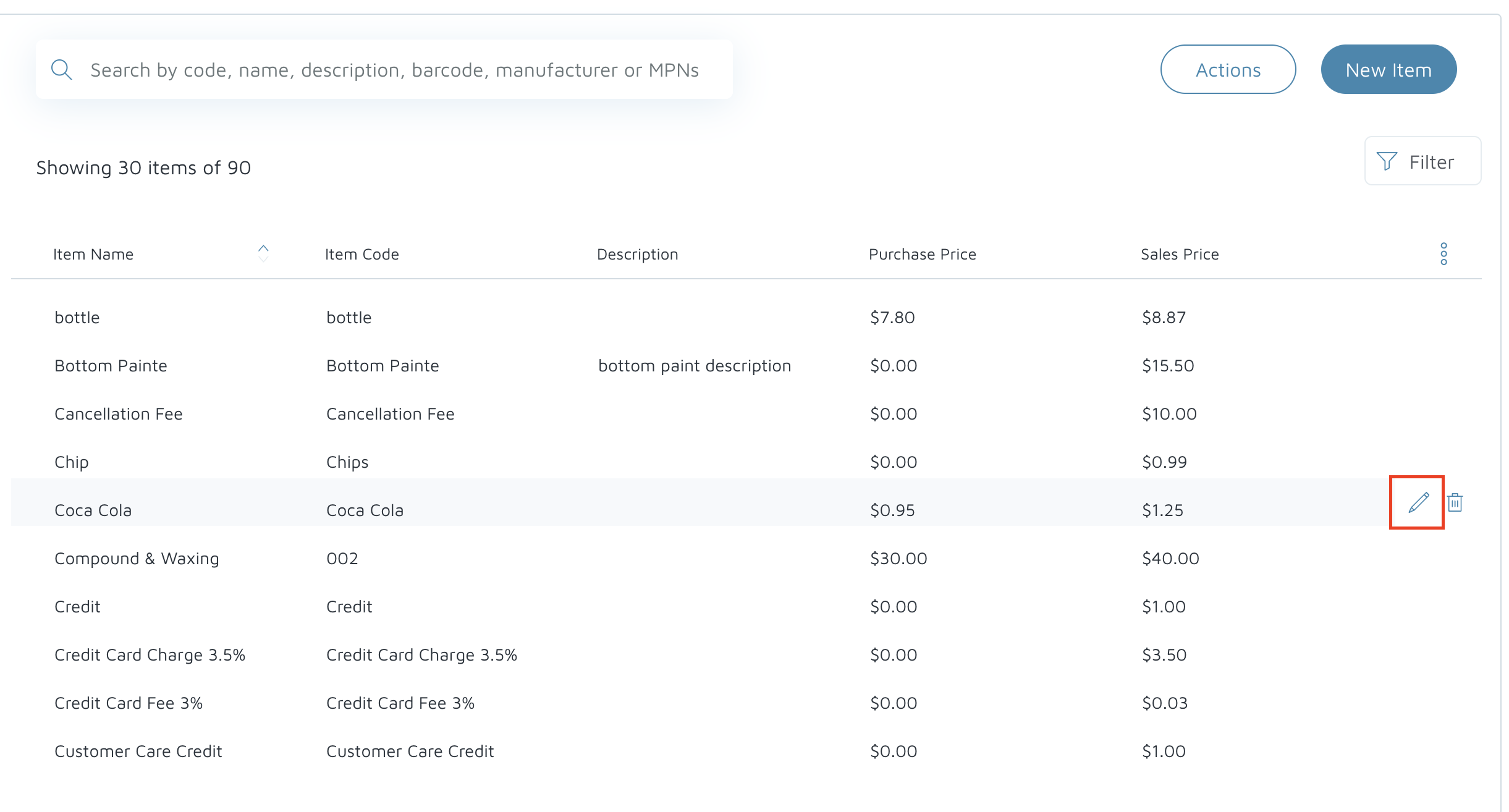
- Click the pencil icon to the right of the inventory item's name.
- On the Sales Price field, type in the new price.
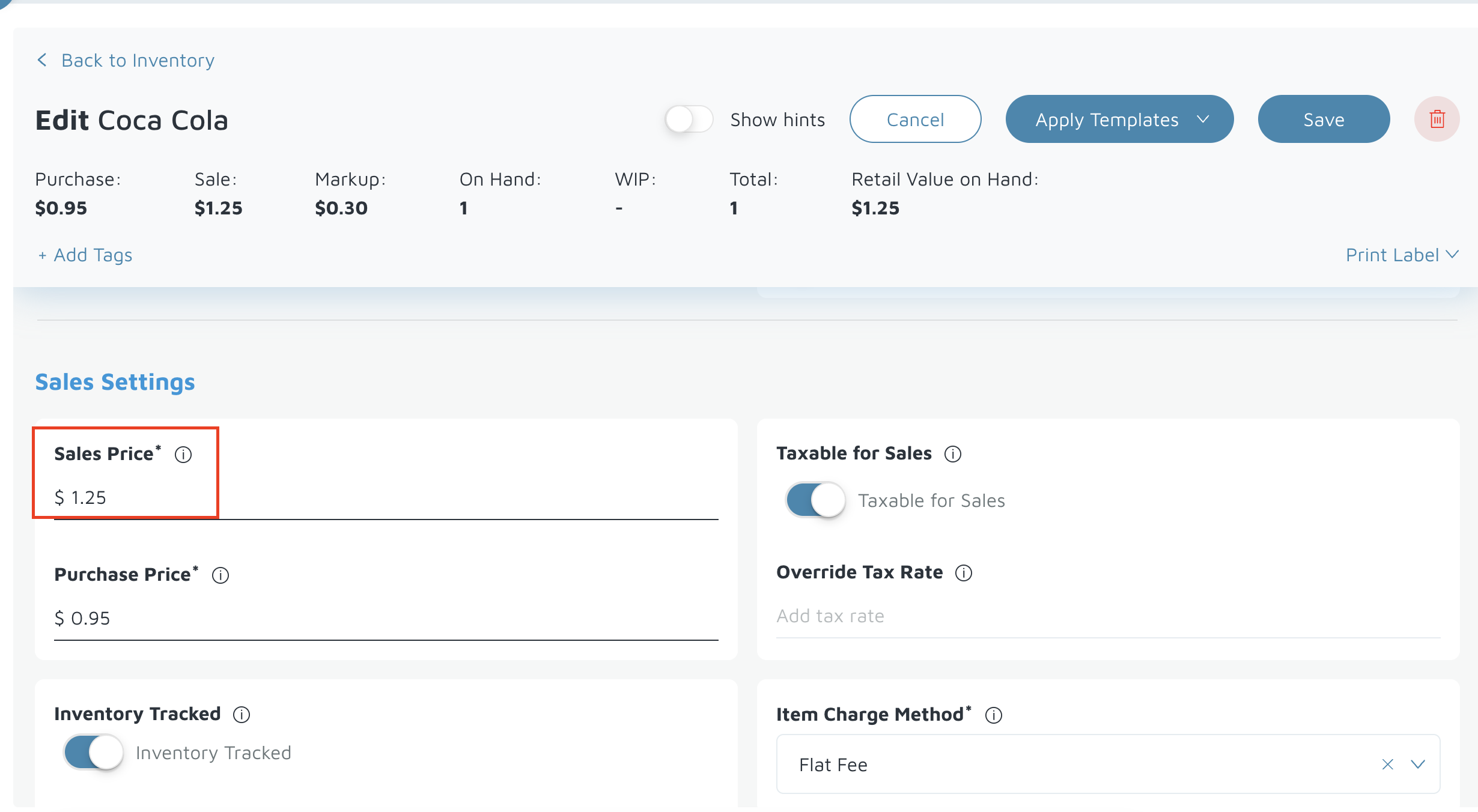
- Click Save.

Verification: Re-open the inventory item to confirm the updated sales price is saved.