
- "Is there a way to change the tax for some items only?"
- "How can I set different tax rates for different rates?"
Resolution Steps
To override the tax rate for an inventory item:
- On the left menu, navigate to Inventory > Items.
- Click on the desired item.
- Click Edit Item.
- Set Override Tax Rate to the desired rate.
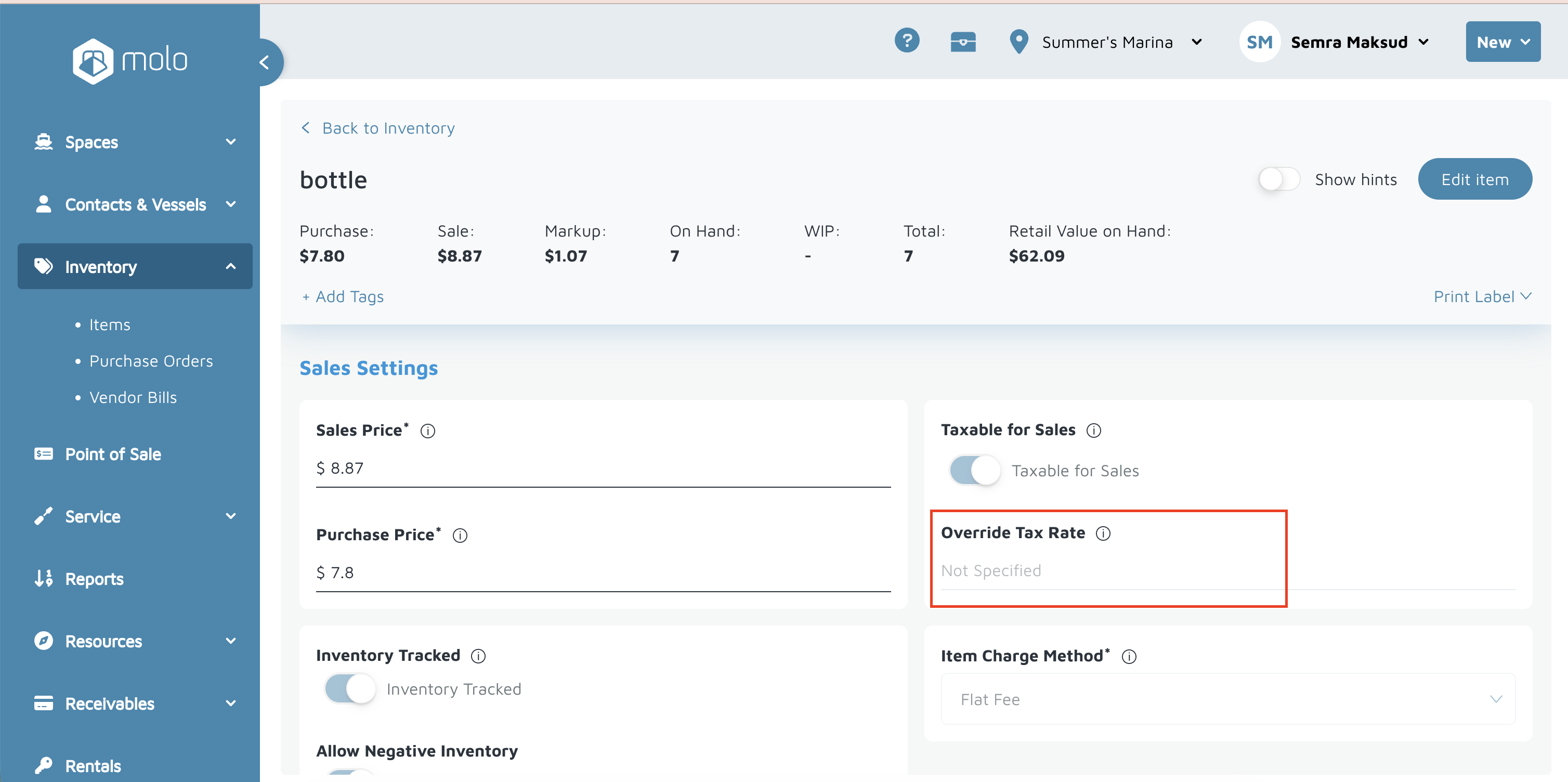
- Click Save.
To override the tax rate for a rate:
- On the left menu, click Marina Settings.
- Click Space Settings > Time-Based, Seasonal, or Recurring Rates.
- Click on the desired rate.
- Enable the Taxable setting to reveal the "Override Tax Rate" field.
- Set Override Tax Rate to the desired rate.
- Click Update.
Verification: Create a test invoice using the inventory item with the override applied, then check the tax calculation for accuracy.