How to Configure "Do Not Launch" Mode from Molo to Speedy Dock
Print
Modified on: Mon, 22 Dec, 2025 at 7:55 PM
- "We are trying to place some customers in "Do Not Launch" mode in Speedy Dock."
Resolution Steps
- On the left menu, navigate to Contacts & Vessels > Contacts.
- Click on Edit (pencil icon).
- Scroll down to the Vessel Information section and select Do Not Launch.
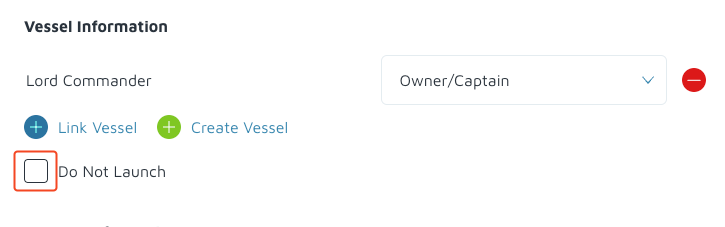
- Click Save. The setting would be sent to Speedy Dock.
Did you find it helpful?
Yes
No
Send feedback Sorry we couldn't be helpful. Help us improve this article with your feedback.
