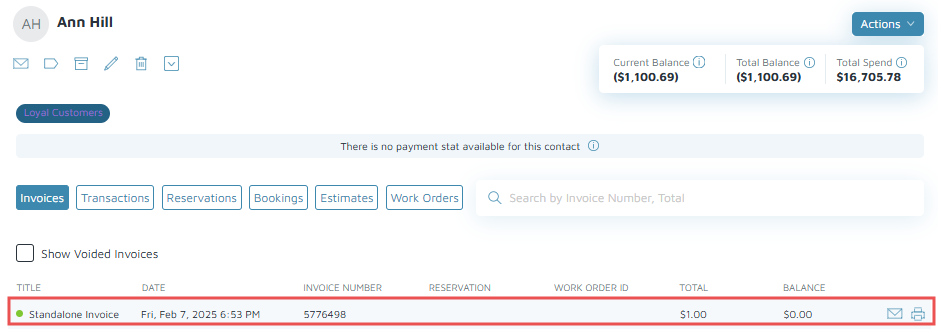
- "How do I take a deposit for this (____) item?"
- "How can I take a key deposit in Molo?"
Resolution Steps
- On the left menu, navigate to Inventory > Item.
- Click New. Fill out the required fields (e.g. Key Deposit).
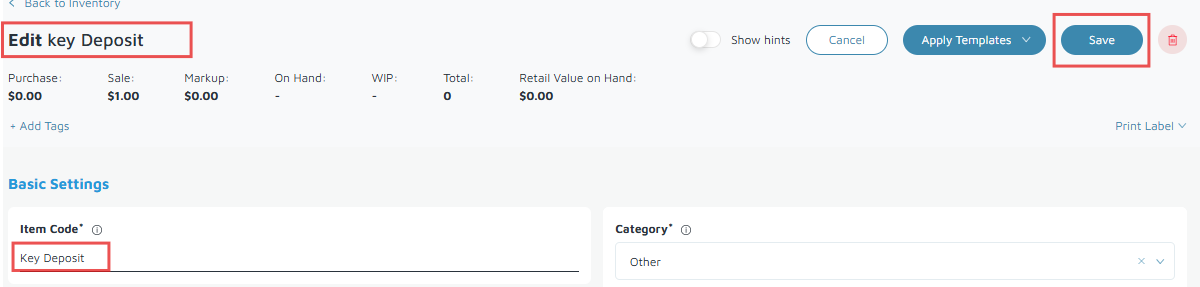
- Click Save to create the inventory item.
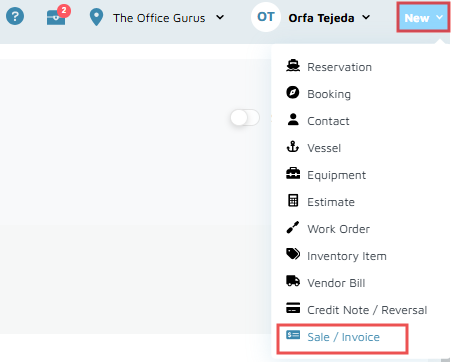
- Click New on the right side of the screen, then click Sale/Invoice.
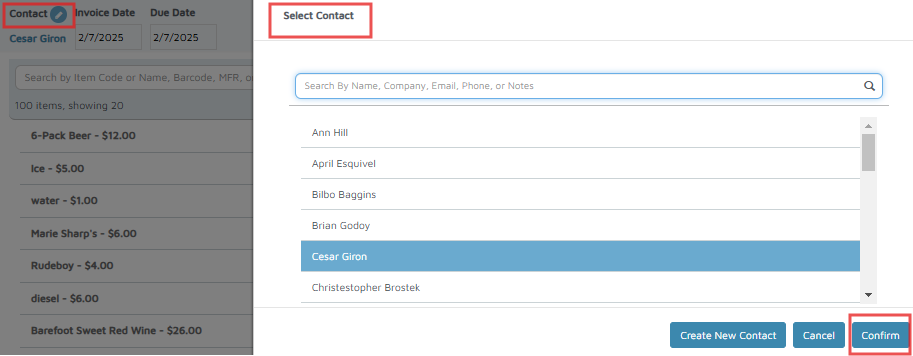
- Select Contact on the left-hand side.
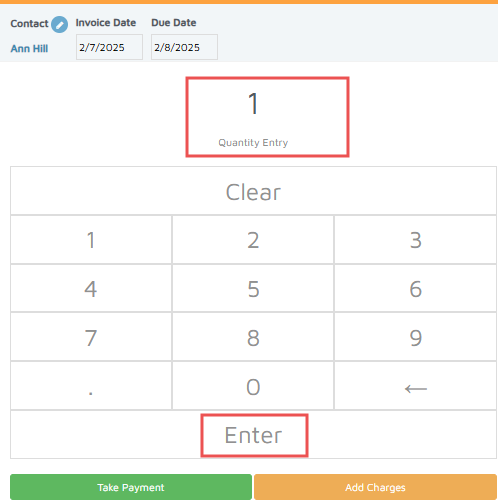
- Search for the item, enter the Quantity, and click Enter to save.
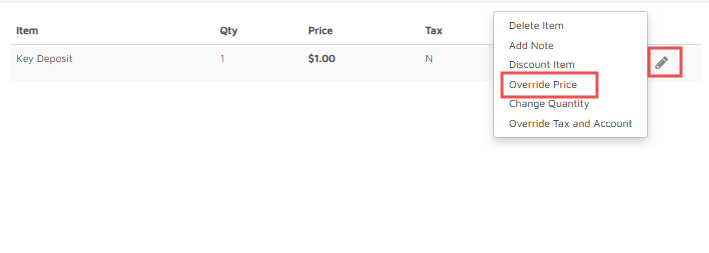
- Click the pencil icon on the invoice line to override the price (Optional).
- Click Take Payment and choose the Payment Type.
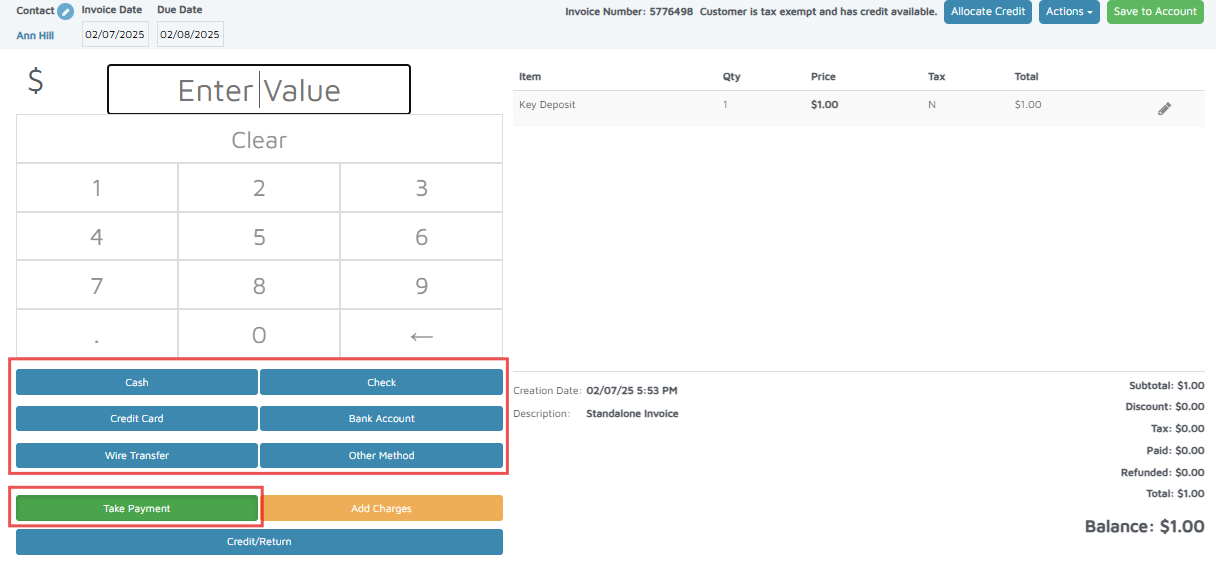
Verification: The invoice will appear on the customer’s account.