
- "How can I delete a rate?"
- "Can I edit a rate and add new verbiage?"
Resolution Steps
- To delete a rate:
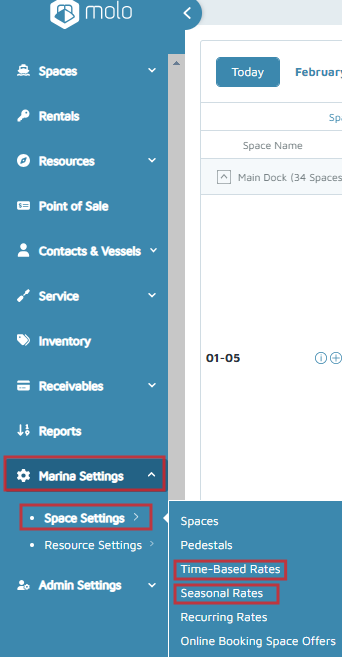
- On the left menu, navigate to Marina Settings > Space Settings > Time-Based or Seasonal Rate.
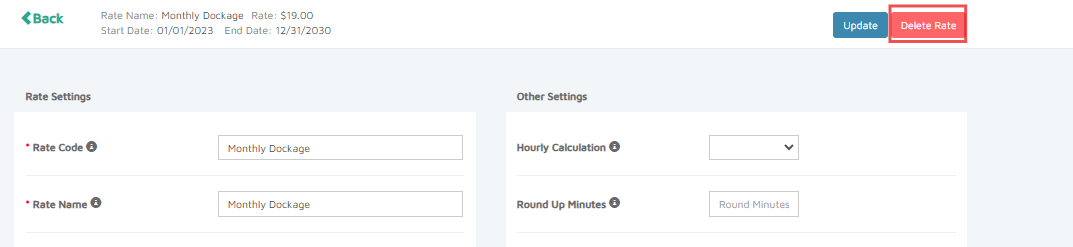
- Select a rate, then click Delete Rate.
- In the pop-up window, click Delete.
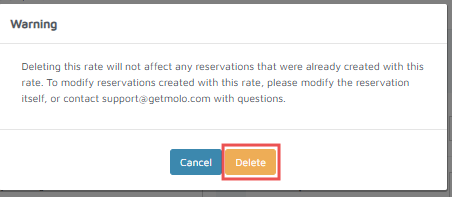
Verification: Once the rate is deleted, it will be moved to the Deleted section.
- To edit a rate:
- On the left menu, navigate to Marina Settings > Space Settings > Time-Based or Seasonal Rate.
- Select a rate. Make the necessary changes, then click Update.
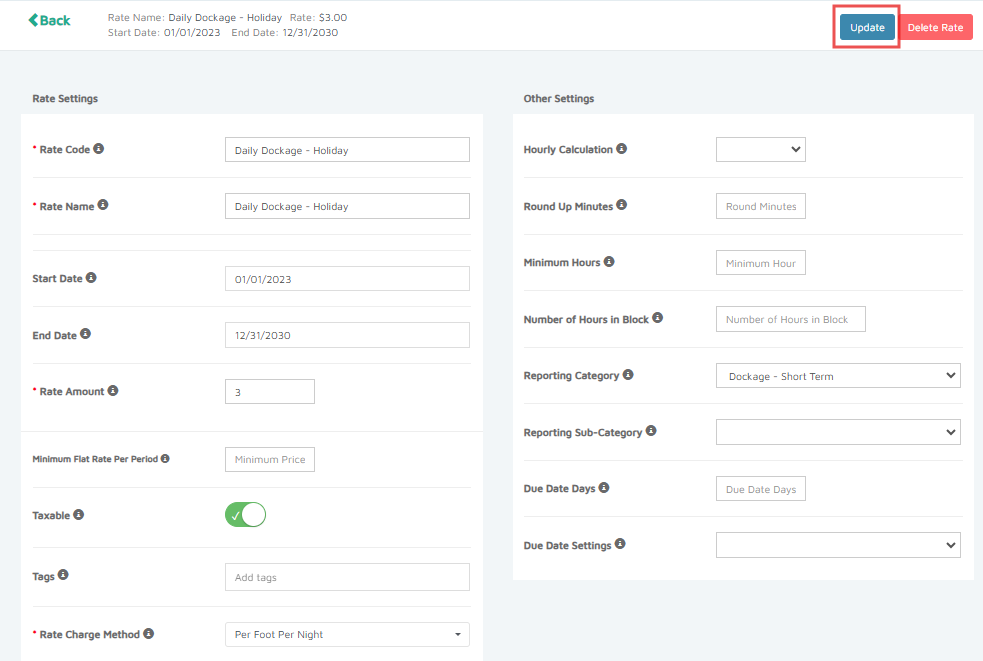
Verification: After a successful update, a confirmation pop-up will appear.