
- "Where can I modify my terms and conditions?"
- "Is there a way to edit the terms and conditions?"
Resolution Steps
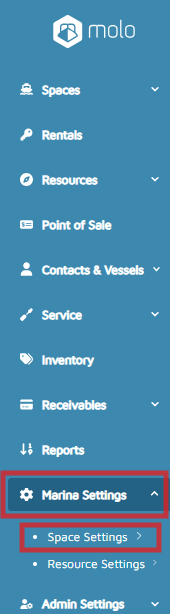
- On the left menu, click on Marina Settings > Space Settings.
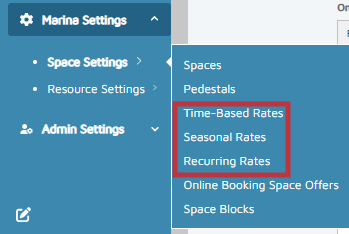
- Click on either Time-Based Rates, Seasonal Rates, or Recurring Rates.
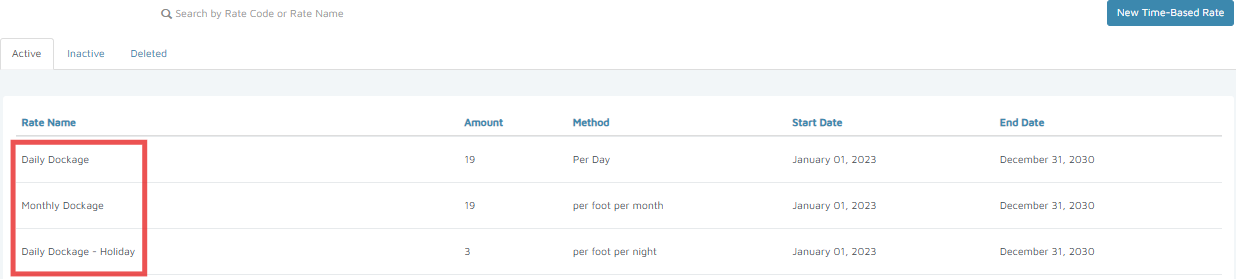
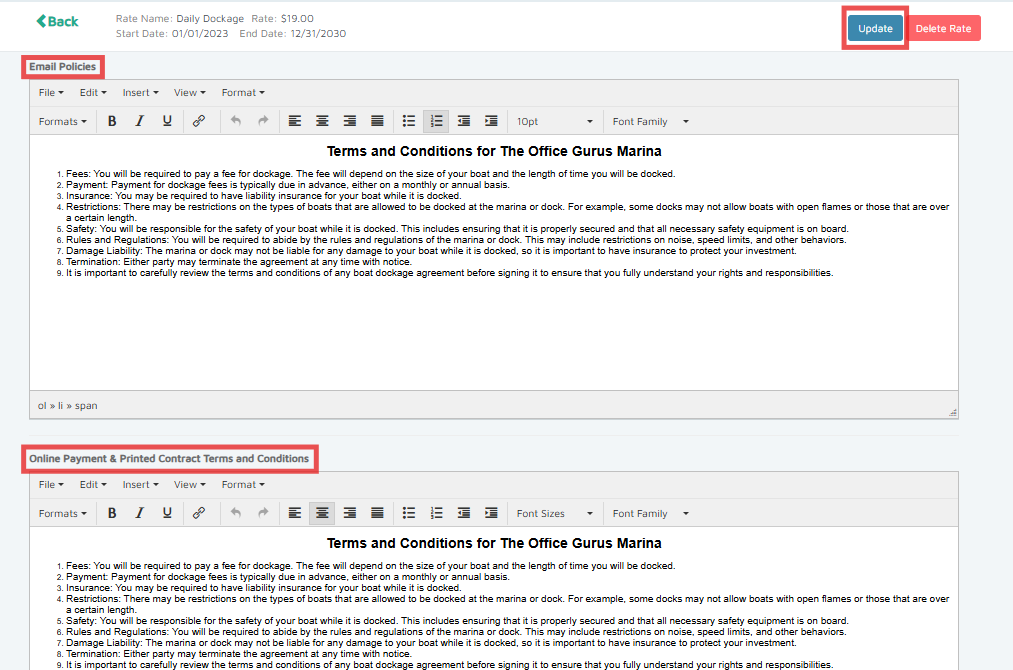
- Click on an existing rate and scroll to the bottom to find the Email Policies section.
- Fill out the necessary information and click Update.
Verification: Create a test reservation to view the terms and conditions.