Understanding Invoice Date vs. Due Date
Print
Modified on: Mon, 9 Feb, 2026 at 3:13 PM
- “What’s the difference between an invoice date and a due date?”
- “Why can’t I edit the invoice date?”
- “How do I update due date settings for standalone or reservation invoices?”
Resolution Steps
- Understand Invoice Date:
- The invoice date is the date the invoice is created.
- It can be changed if needed, unless a lock date is in place.
- If a lock date exists, the invoice date cannot be moved earlier than that date. To edit it, the lock date must first be lifted.
- Understand Due Date:
- The due date determines when payment is expected.
- For standalone invoices (such as POS invoices), the invoice date and due date are usually the same, since payment is taken immediately.
- Due dates can be configured in Marina Admin under each account.
- Adjust Due Date Settings (Standalone Invoices):
- Contact Support (not available in Molo fronted)
- Choose one of the three options:
- Days After Invoice Date
- Day of Following Month
- Day of Current Month
- You can also specify a custom number of days after the invoice date.
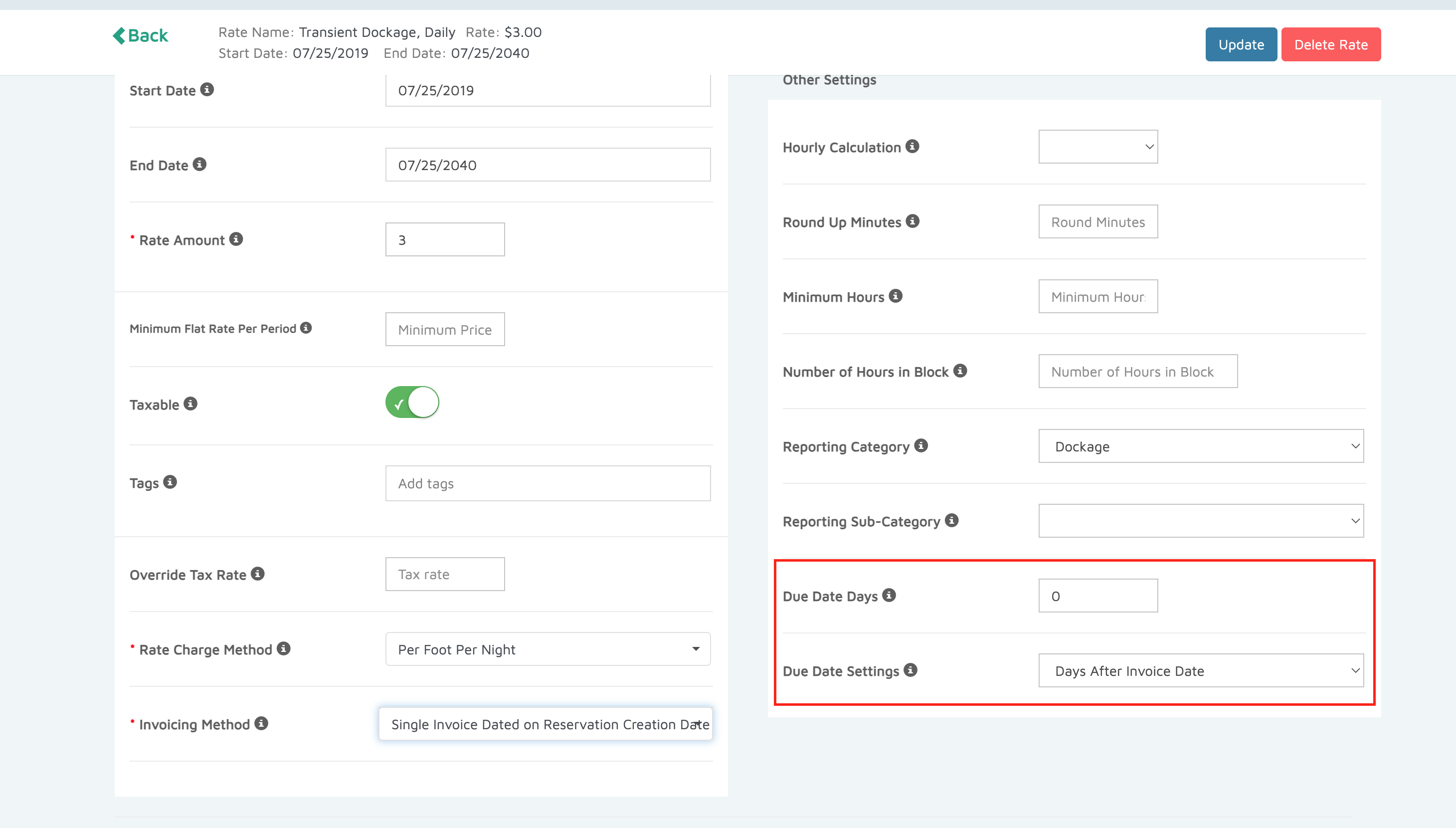
- Set Due Dates for Reservation Invoices:
- Go to Marina Settings → Space Settings
- Select the applicable Rate Type (Time-Based, Seasonal, or Recurring).
- Use the Due Date Settings field to define how far in advance or after booking the invoice is due.
Did you find it helpful?
Yes
No
Send feedback Sorry we couldn't be helpful. Help us improve this article with your feedback.
