
- "How can I download the Molo app on my device?"
Resolution Steps
- For iPhone / iPad (Apple App Store)
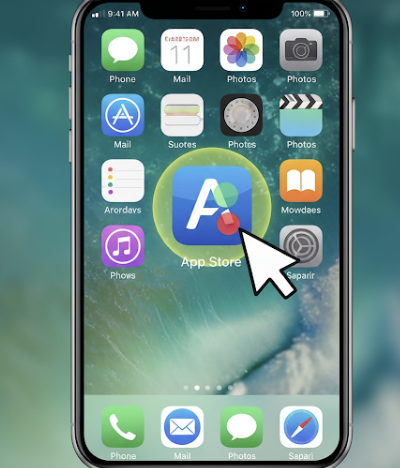
Open the App Store
Tap the App Store icon on your home screen.
Search for the App
Tap the Search tab at the bottom.
In the search bar, type “Molo Manager” and tap Search.
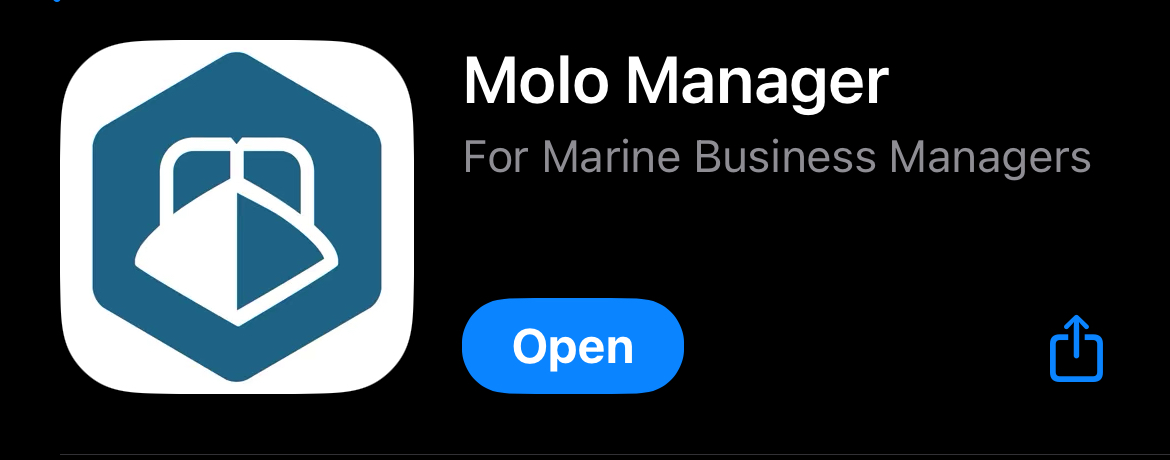
Locate the Correct App
Look for Molo Manager in the search results.
Confirm it is the official app by checking the developer name Molo, Inc.
Download and Install
Tap Get next to the app.
Authenticate using your Apple ID, Face ID, or Touch ID if prompted.
Open the App
Once installed, tap Open to launch Molo Manager.
You can also find the app on your home screen for future use.
Log In
Enter your Molo account credentials to access your marina management dashboard.
- For Android Devices (Google Play Store)
Open Google Play Store
Tap the Play Store icon on your device.
Search for the App
Tap the Search bar at the top.
Type “Molo Manager” and press Search.
Locate the Correct App
Ensure the app is published by Molo, Inc. to avoid downloading the wrong app.
Download and Install
Tap Install.
Wait for the app to download and install automatically.
Open the App
Tap Open once installation is complete, or find the app on your home screen or app drawer.
Log In
Enter your Molo account credentials to access your account.
Verification: The app should be downloaded and can be used to sign in.