
- "How do I access Molo’s Support Portal to submit a ticket or find help articles?"
Resolution Steps
- Click the question mark (?) icon located in the top navigation bar of Molo.
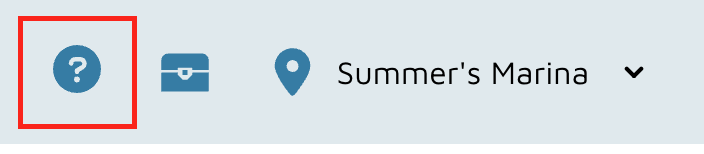
- This will open a small Support Window where you can access multiple help options.
- To contact support directly:
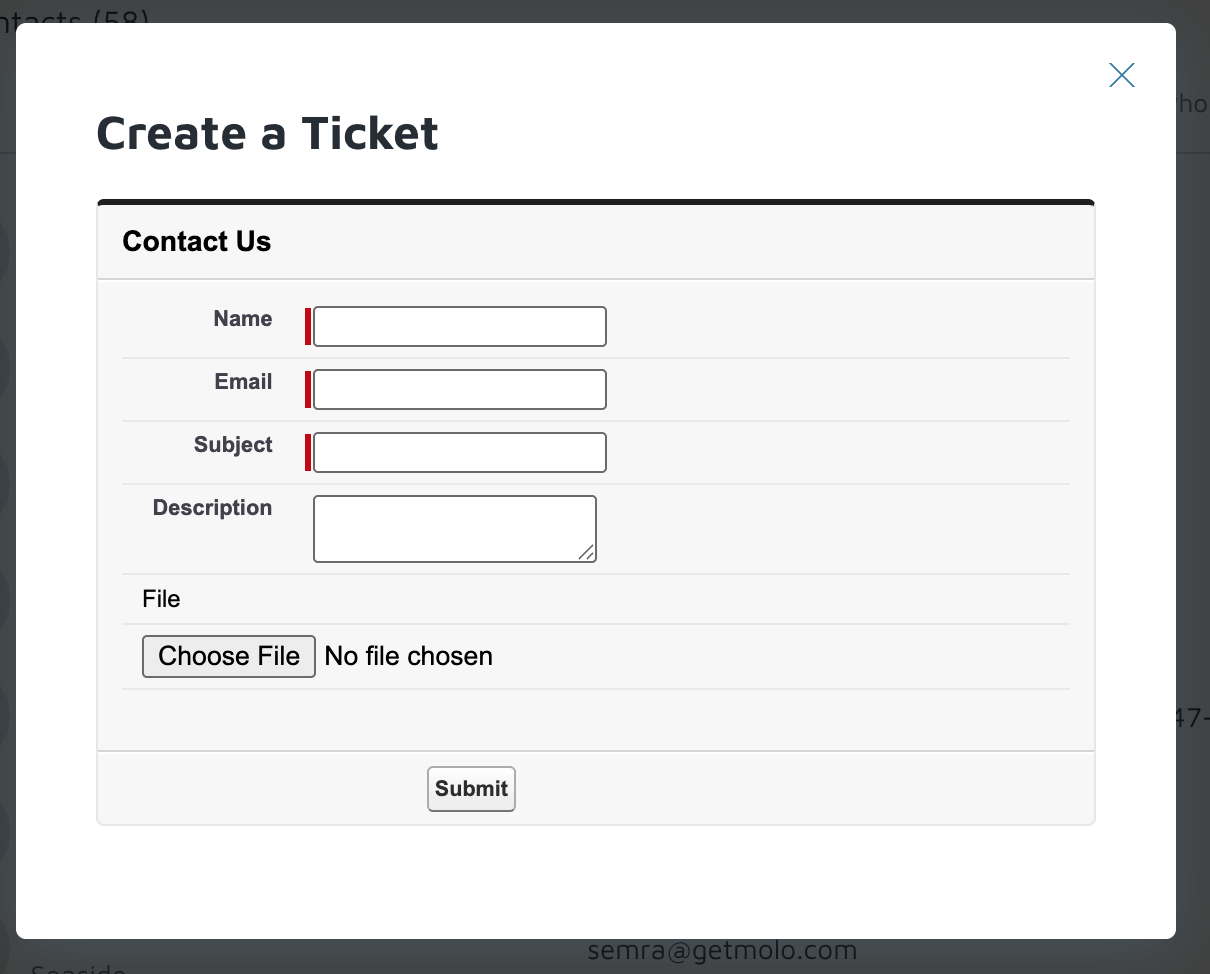
- Click Create a Ticket.
- Enter a Name, Email, Subject, and a detailed Description of your question or issue.
- Optionally, attach a screenshot or upload a file from your computer to help illustrate the problem.
- Click Submit to submit your request to Molo Support.
- Our Support Team is available 7 days a week and can also be reached directly via email.
- To search for help articles:
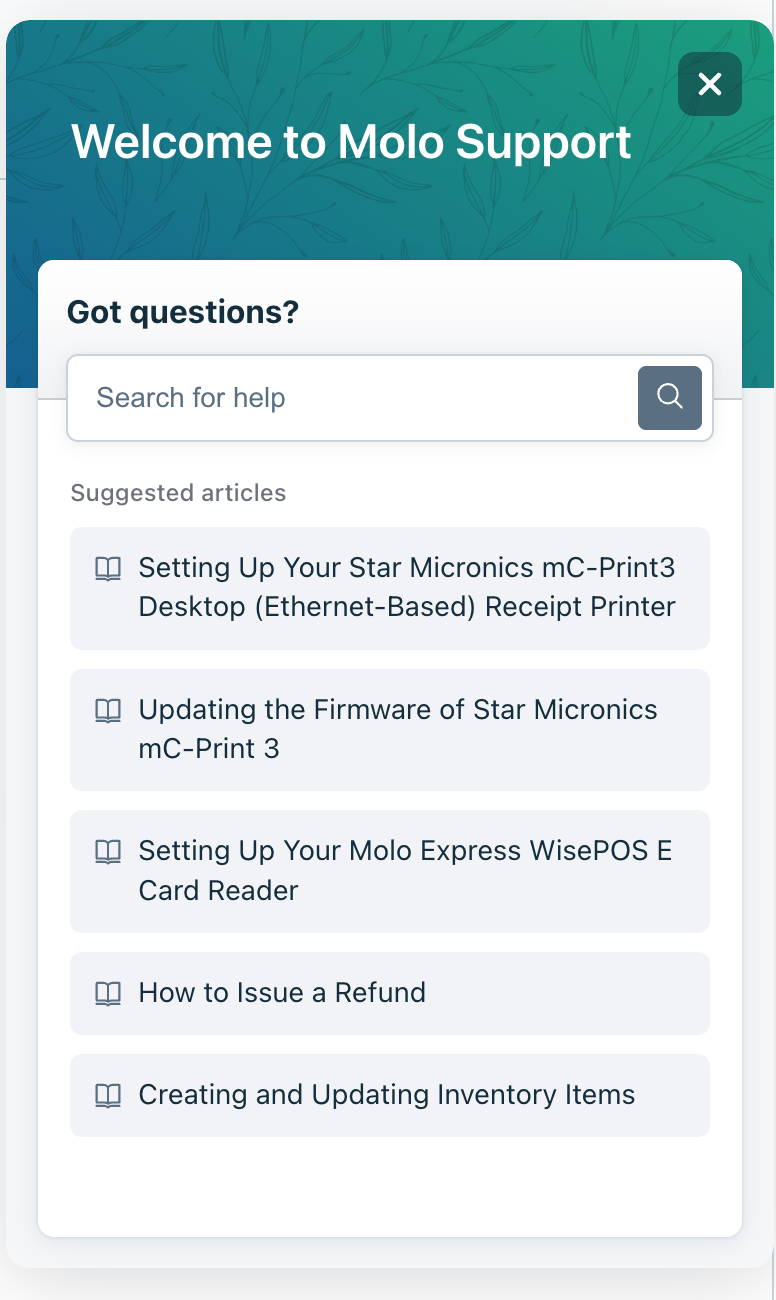
- In the same window, the Knowledge Base button will have a pop-up appear.
- Type in a keyword — for example, “calendar” — to view related help articles.
- Click on any article title to open it within the support window.
- Alternatively, click the arrow icon (inside the small square) to open the full article on the Molo Support website.
Verification: You should be able to access the support portal