
- "How do I view a list of all work orders, their details, and statuses within a selected timeframe?"
Resolution Steps
- Go to Reports → Service → Work Order List.
- Select your desired Start Date and End Date for the reporting period.
- Use the available filters as needed:
- Filter by Work Order Creation Date or Invoice Dates.
- View by specific Job Templates.
- Include jobs containing specific text in their details.
- Include Internal Work Order Comments.
- Click Run Report to generate results.
- The report will display:
- List of all work orders within the selected timeframe.
- Customer and vessel information.
- Status of each work order.
- Location (if set).
- Progress of the work order.
- Total amount of the work order.
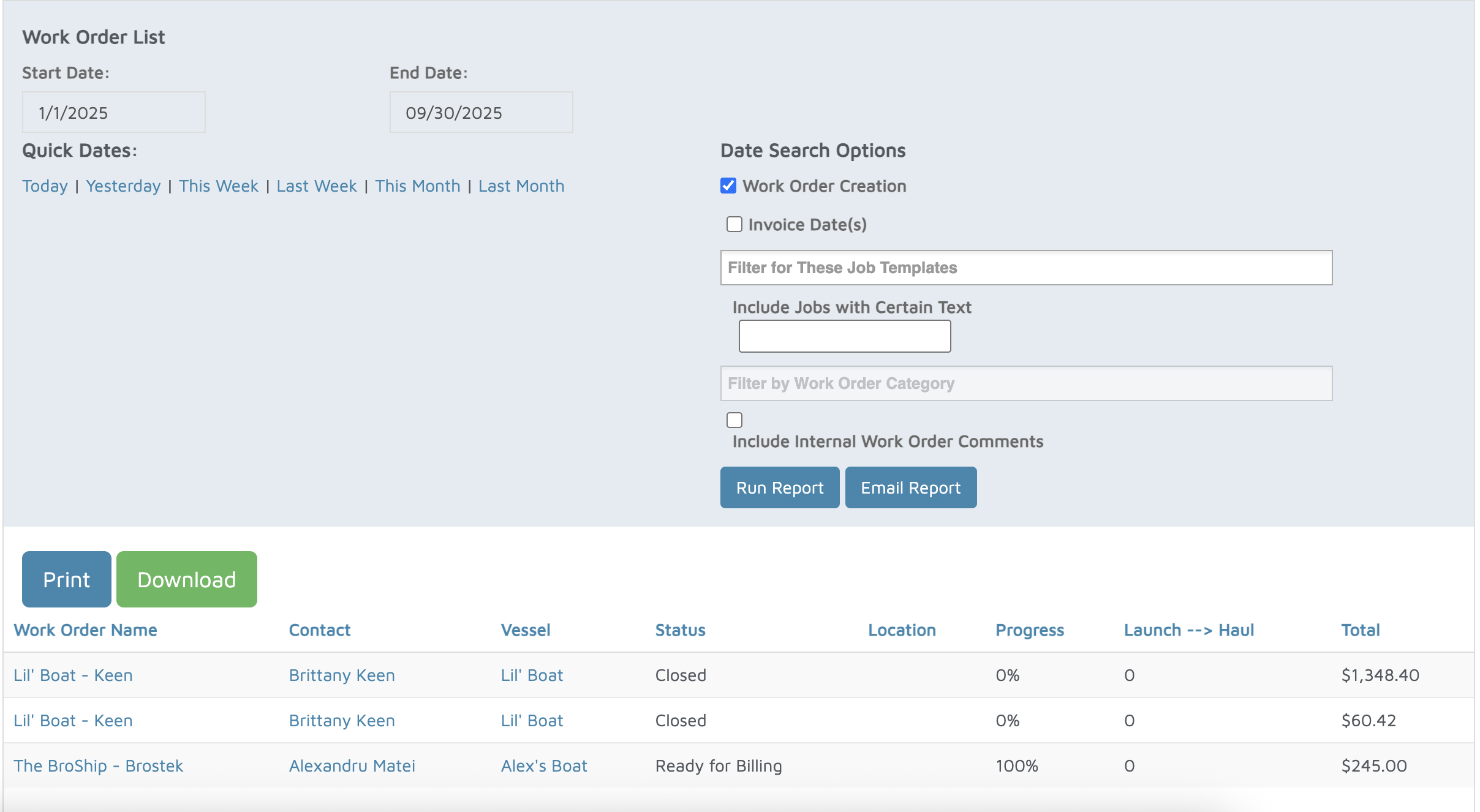
Verification: The report will populate all work orders in a list with details on status.