
- "What is the invoice count by item report used for?"
Resolution Steps
- Go to Reports → Invoicing & Payments → Invoiced Count by Item.
- Enter the start date and end date for the reporting period.
- Click Run Report to generate results.
- The report will display:
- Item Name – the inventory item or service.
- Quantity Sold – total units billed (if applicable).
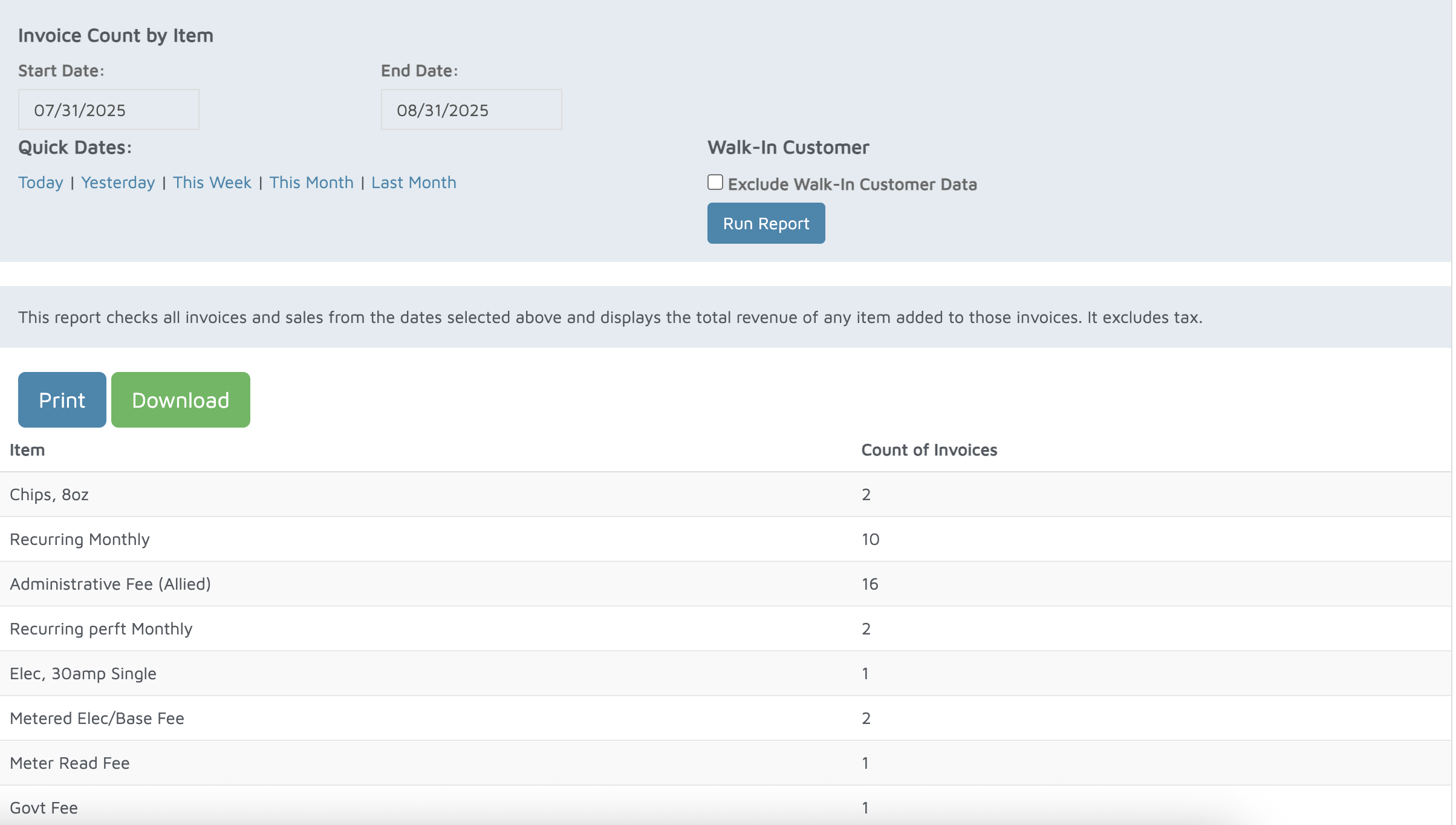
Verification: Use this report to track items sold.