
- "How can I remove a contact from a vessel?"
- "I have multiple contacts linked to a vessel, but need to update that."
- "How can I like a contact to a vessel?"
Resolution Steps
Go to Contacts and Vessels.
Click on Vessels and find the vessel you want to update.
Click the pencil icon under the vessel name to edit.
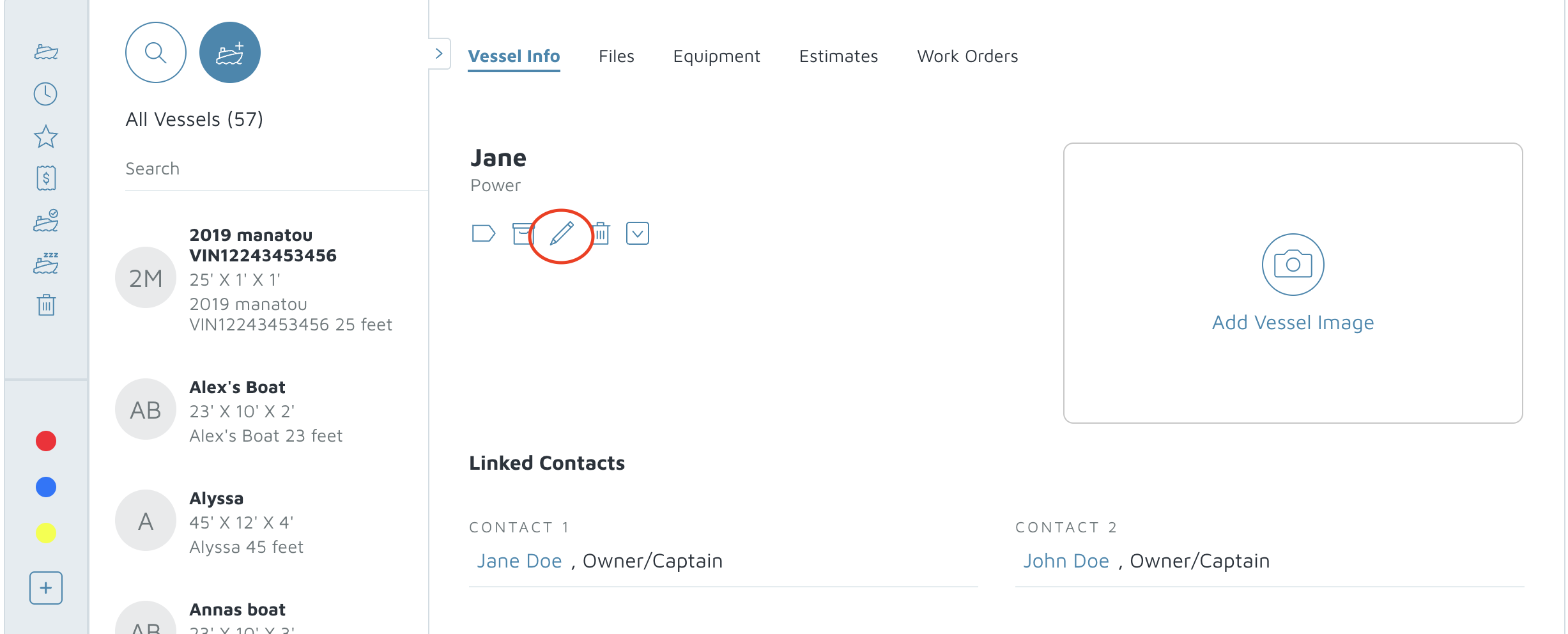
Scroll to the Linked Contacts section.
Locate the contact you want to remove and click the red circle (remove) button.
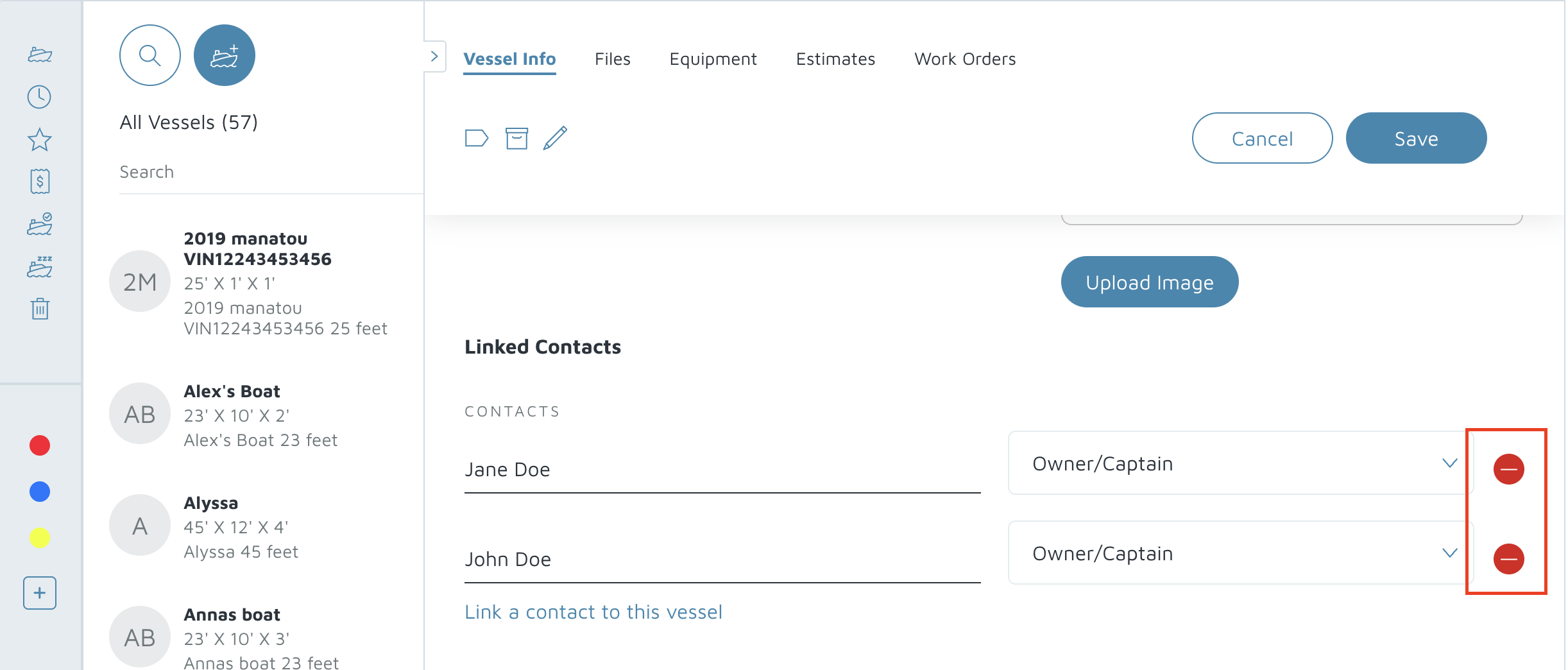
Click Save at the top.
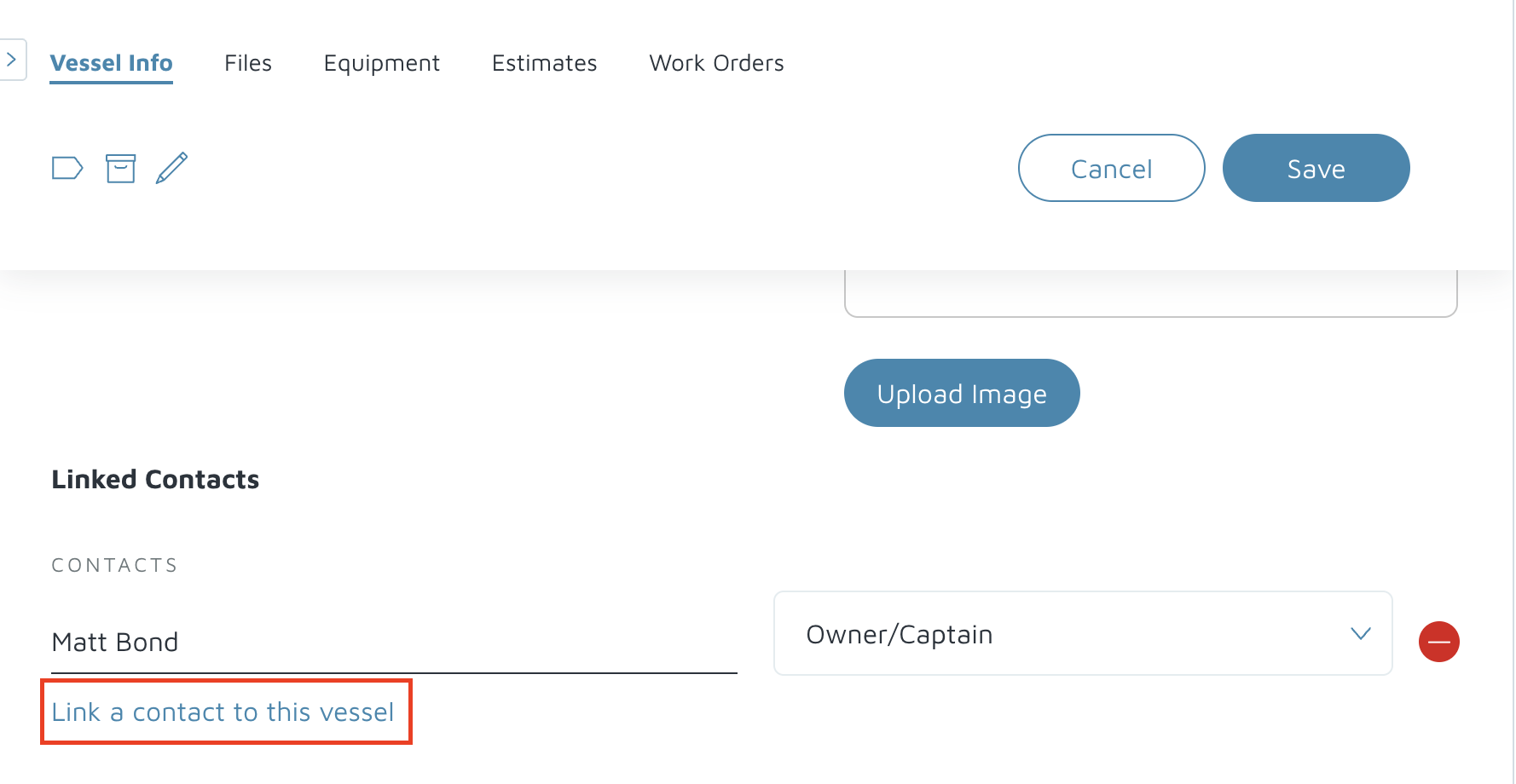
- To add a contact, click on Link a contact to this vessel.
- You can select from a list of contacts that already exist or create a new one by clicking on the + Person Icon.
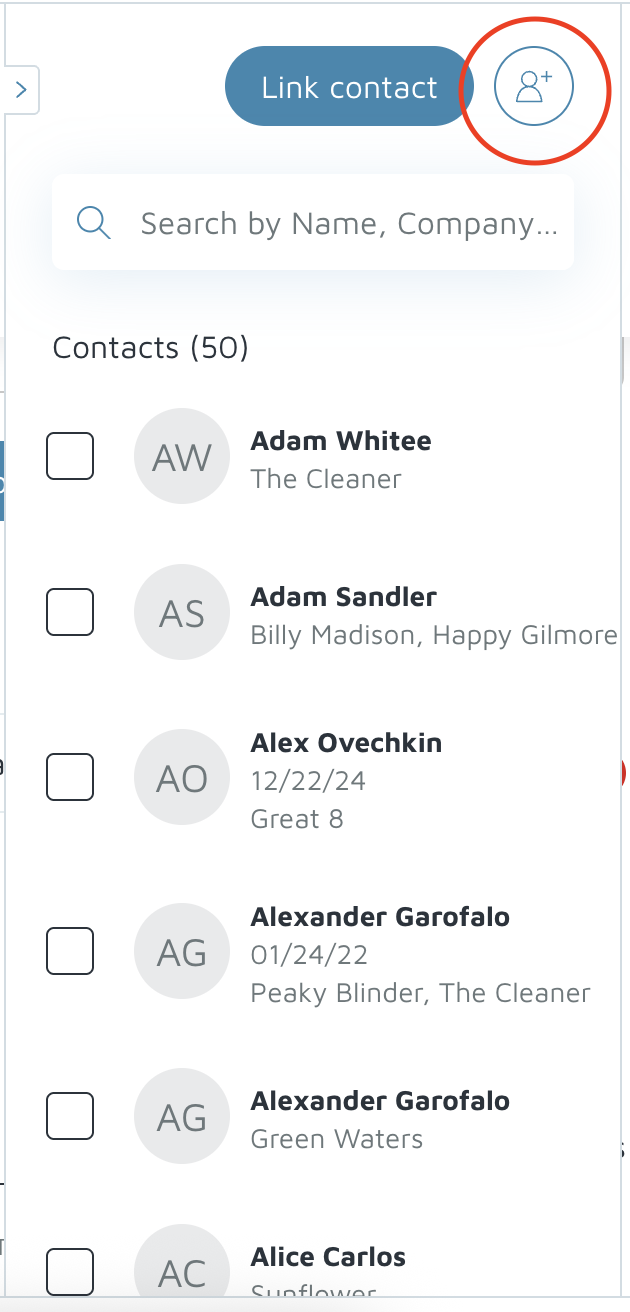
Verification: After saving the contact, it should not show up under linked contacts or if adding, the new contact should appear under the vessel info.