
- "Is it possible to add 'Per Each' and 'Per Quart' to our Item Charge Methods on the inventory item template?"
Resolution Steps
- Open the Inventory Item for the item you want to update.
- Review the available Item Charge Methods in the dropdown.
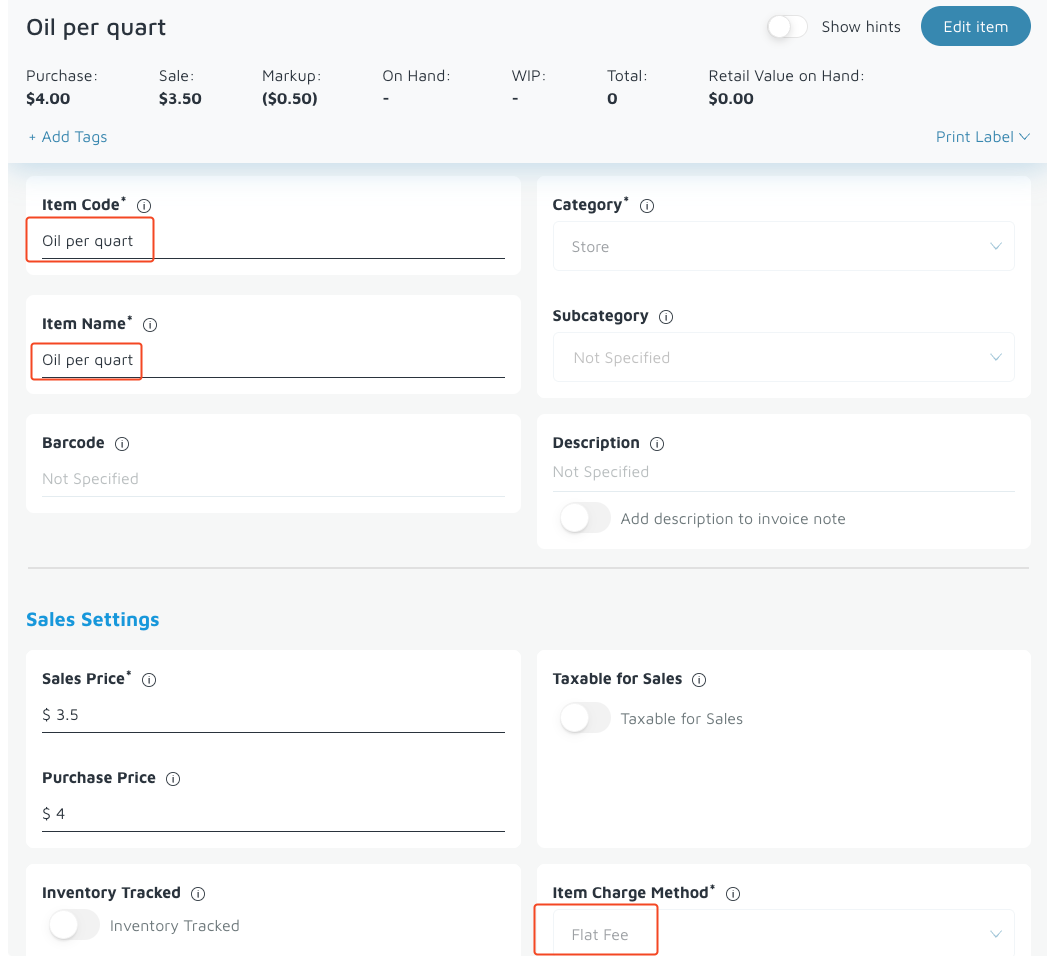
- Since new charge methods cannot be added, select the Flat Fee Item Charge Method.
- Update the Item Name or Item Codeto reflect the intended unit, such as:
- “Oil – Per Quart”
- “Cleaner – Per Each”
- Save the item. The Flat Fee method will function the same while allowing you to label the item according to the unit of measure you want.
Verification: Client understands how the 'flat fee' charge method is used.