
- "Where can I add registration details for a boat?"
Resolution Steps
- Go to Contacts & Vessel -> Vessels.
- Search for the vessel using the search bar.
- Click on the vessel name.
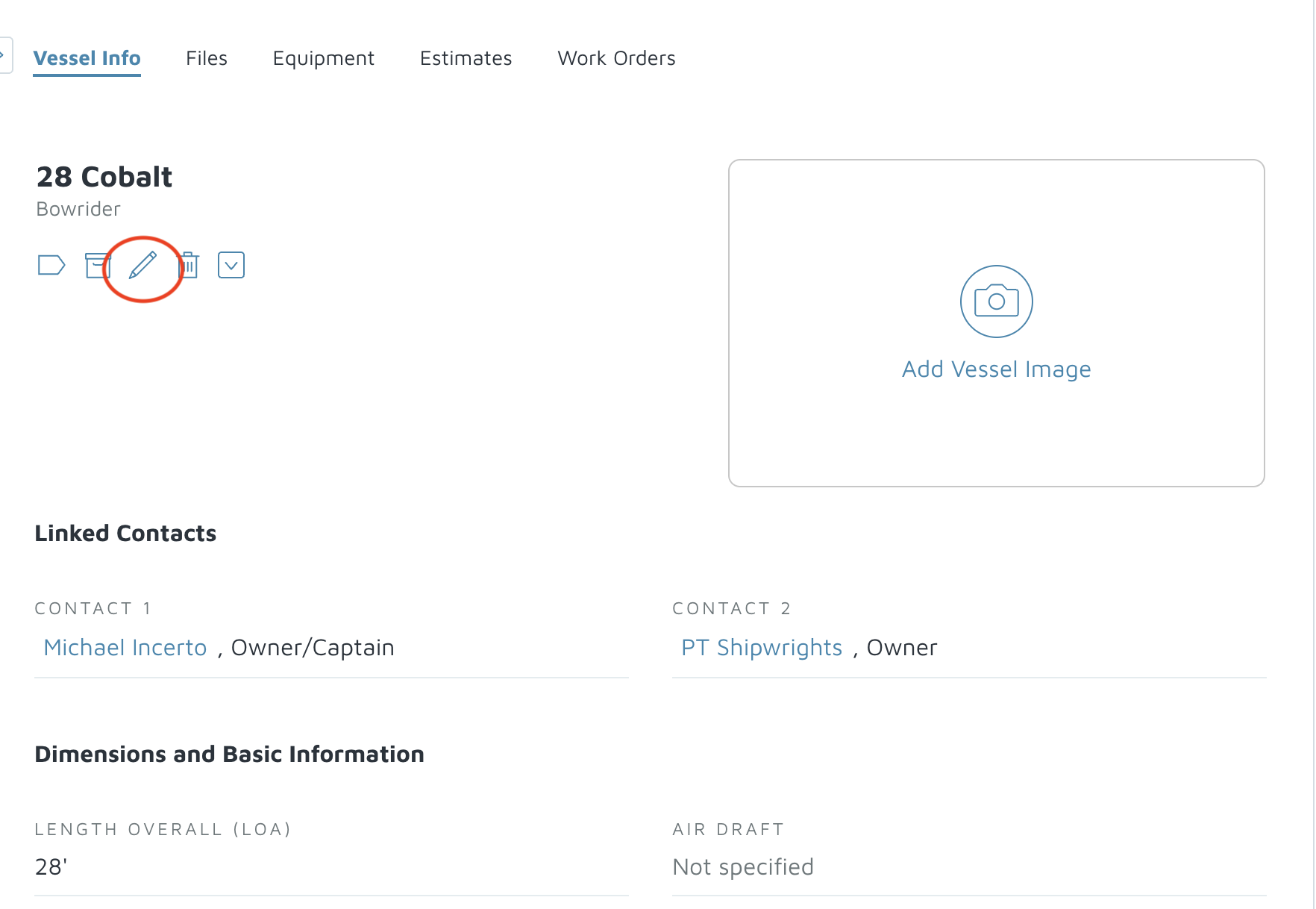
- Click on the pencil under the name to edit the details.
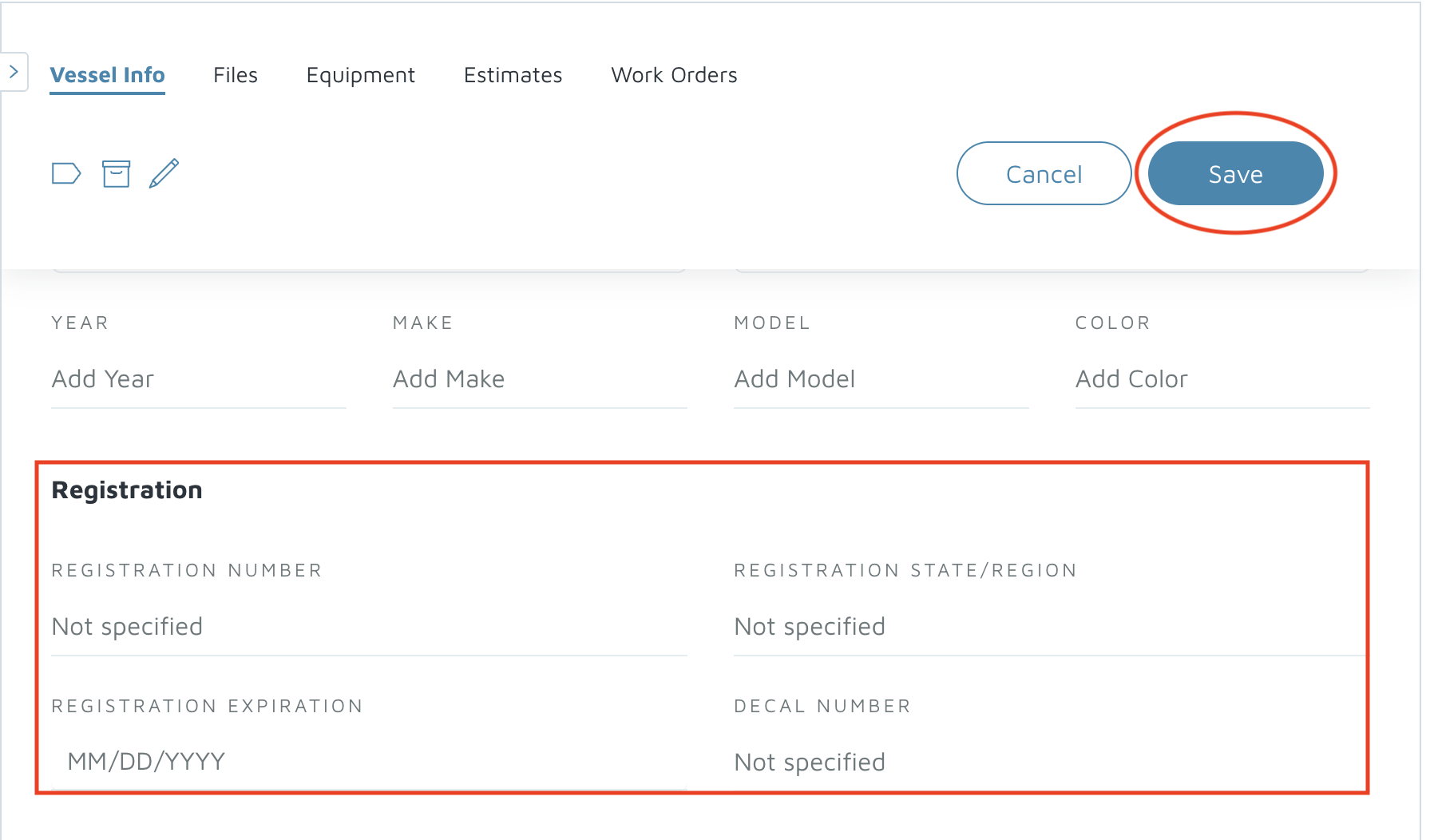
- Scroll down to the Registration section
Enter the following details:
Registration Number
Registration State
Registration Expiration
Decal Number
- Click Save to update the vessel’s registration information.
Verification: Registration details should appear when you go back to view the vessel information.