
- "I need to edit a job template."
Resolution Steps
- On the left menu, navigate to Service > Job Templates.
- Click on the desired job template.
- Several fields can be changed here such as the Title, Estimated hours, Job Comments, etc.
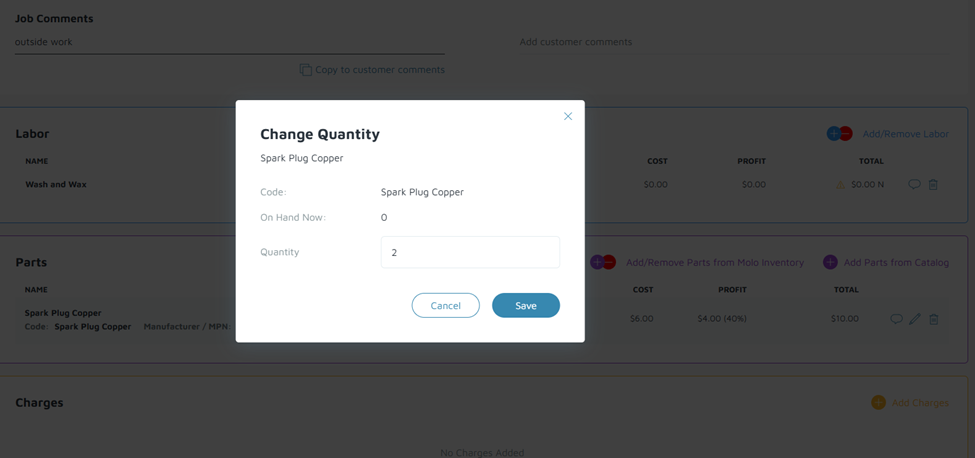
- To edit Labor, Parts, and Charges, click on the pencil icon on any existing items. The user can also add or remove any of items.
- After making changes, the Job Template will auto-save.
Verification/Confirmation: Changes made on the job template is reflected when it is used on a new estimate or work order.