
- "How do I limit how much a customer can charge to their house account?"
- "What happens when a customer’s house account exceeds the limit?"
Resolution Steps
- Navigate to Contact & Vessels > Contacts > click on the pencil under the contact name.
- Locate the field labeled Account Limit.
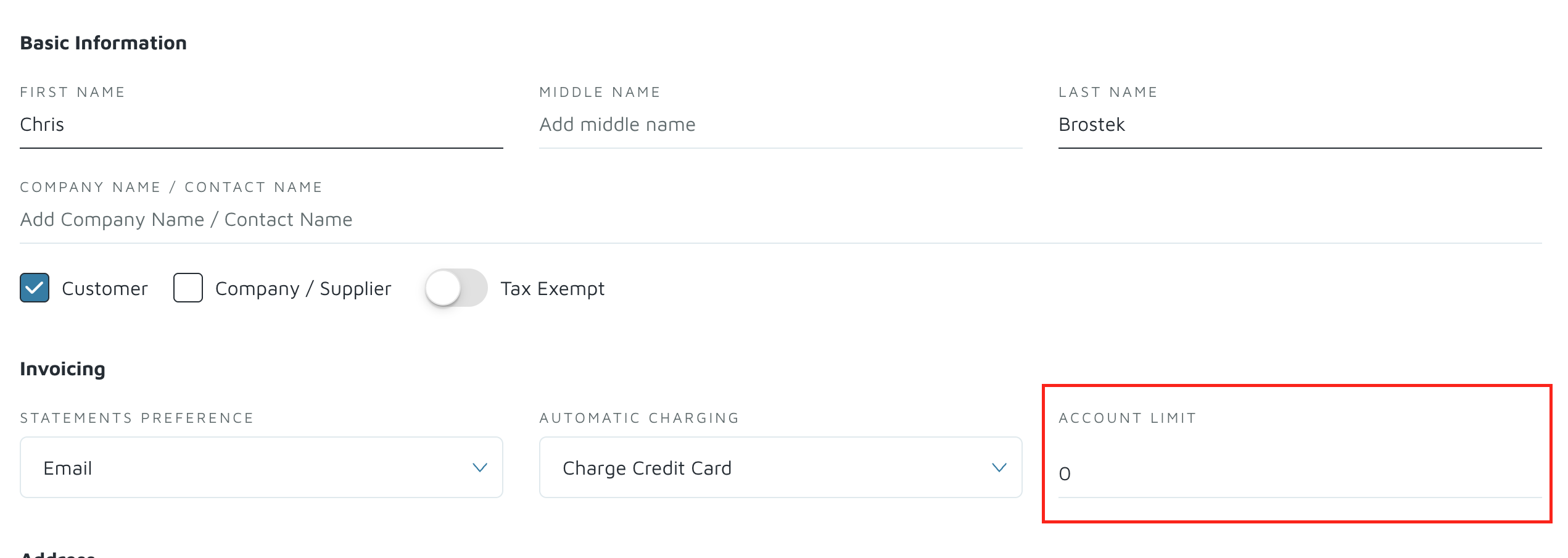
- Enter a dollar amount to define the maximum balance the customer can carry.
- Save the contact record with the new limit.
- Going forward, when staff attempts to use Save to Accountwhile invoicing:
- The system will check the customer’s current balance.
- It adds the total of the new invoice to that balance.
- If the sum exceeds the set Account Limit, the Save to Account function will be blocked.
- In that case, the invoice must be paid immediately instead of being added to the account. (Staff cannot put that amount on the house account beyond the limit.)
Verification: Create an invoice under that customer's account and try to save to account to see if it will save.