
- "How can I delete a customer account?"
- "How can I remove this customer?"
Resolution Steps
- On the left menu, navigate to Contacts & Vessels > Contacts.
- Search for the customer's name.
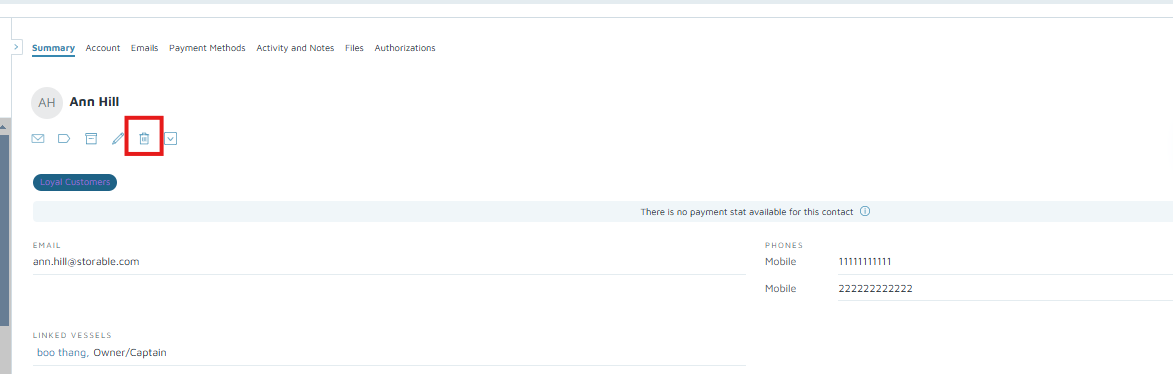
- Under the customer's details, click the trash bin icon.
- Click on Accept.
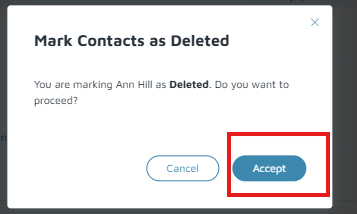
Verification: The Contact will no longer be in the Contact List but can be located when filtered using the trash bin icon on the left to show deleted contacts. The deleted contact record also will have a red bar on top with text that says "You are viewing a deleted contact".