
- "How do I assign or update a slip owner in Molo?"
- "Where can I add who owns a slip?"
Resolution Steps
- Go to Marina Settings on the left-hand menu.
- Select Space Settings > Spaces.
- From the list, select the space you’d like to add an owner for.
- Click Edit at the top of the page.
- Scroll down until you locate the Owner setting.
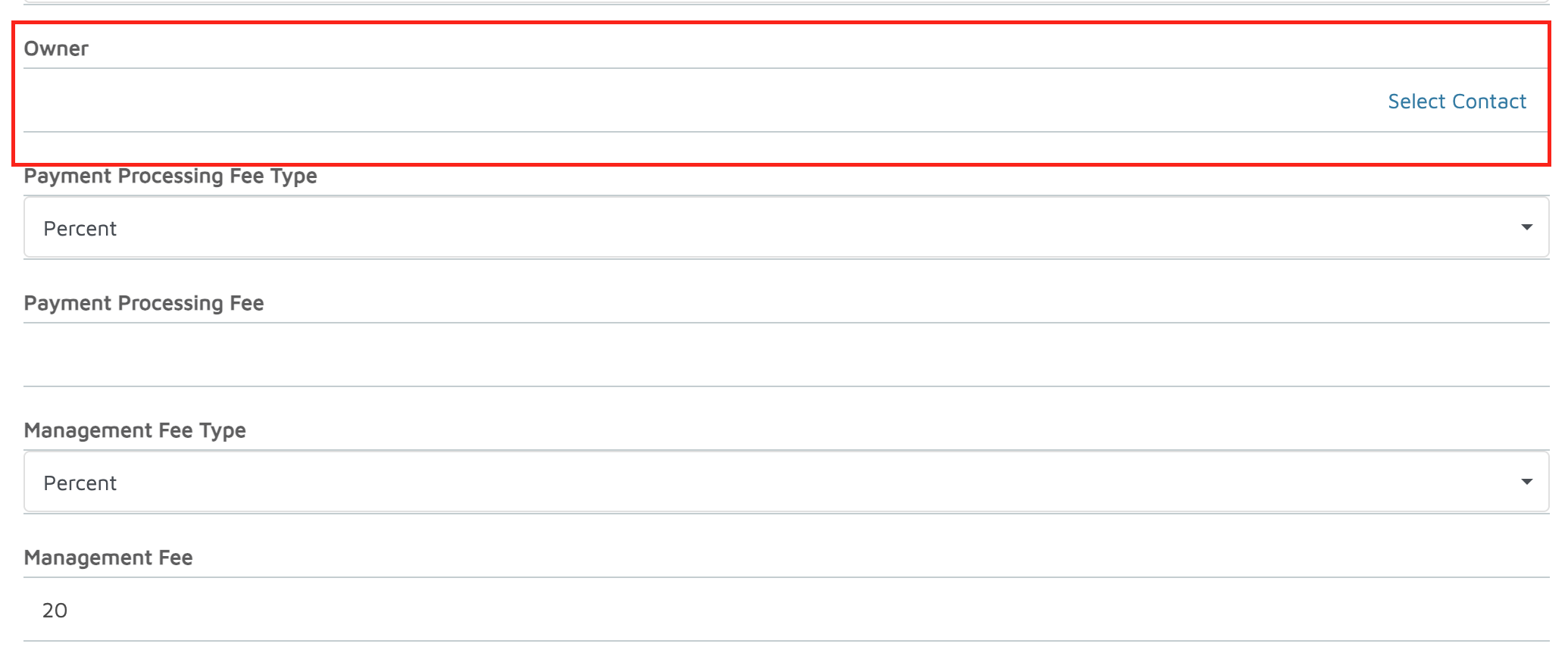
- Click Select Contact and choose the appropriate owner from your contacts list.
- Enter applicable financial settings:
- Payment Processing Fee Type – choose between Flat Fee or Percentage and set the amount.
- Management Fee Type – select Flat Fee or Percentage and set the amount.
- Maintenance Fee – if applicable, enter the value.
- When finished, click Done at the top right to save your changes.
Verification: Once the owner is added, the marina can track which reservations were in their slips using the Slip Owner Activity and Distribution Report.