
- "How do I make a slip available temporarily when a long-term slip holder is away?"
- "Is there a way to schedule a reservation to go On Leave and then return to Checked In automatically?"
Resolution Steps
- Open the Reservation Preview Screen for the slip holder.
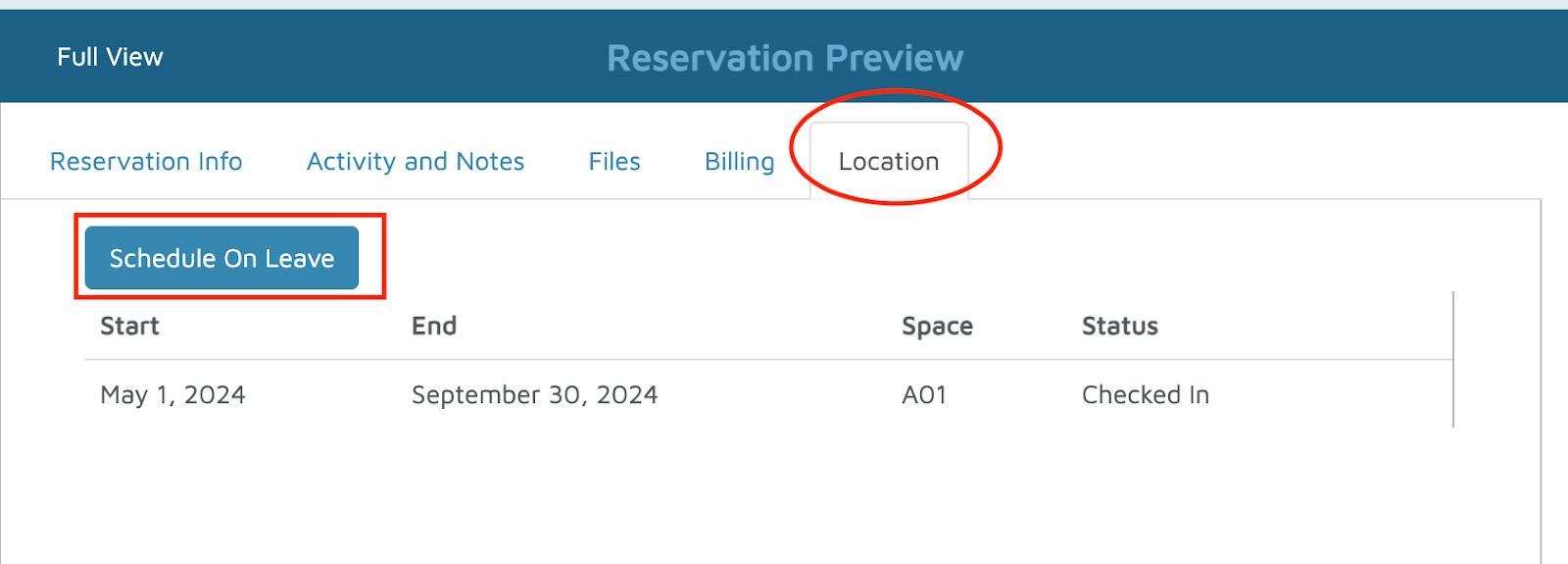
- Navigate to the Location tab.
- Set the reservation status to On Leave.
- This will make the slip available for transient bookings while the long-term holder is away.
- This will make the slip available for transient bookings while the long-term holder is away.
- To schedule in advance:
- Enter the start date (when the slip holder departs).
- Enter the end date (when they return).
- Molo will automatically change the status to On Leave on the start date and back to Checked In on the end date.
Verification: Reservations should be successfully on leave.