
- "Our customers aren't receiving any of our emails. How can we fix this?"
- "Our customers reached out saying we haven't sent them any invoices even though we did."
Resolution Steps
- Verify that the customer was sent an Email by checking their Contact record.
- In the Contacts screen, navigate to the customer's Emails tab to find the e-mail.
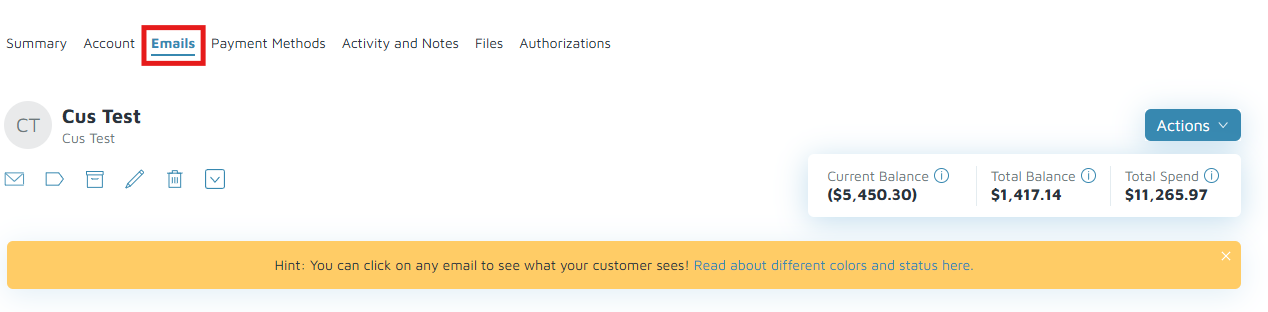
- If the email was delivered successfully, confirm with the marina to check the marina customer's spam folder. For reference, see How to Prevent Molo Emails from Going to Spam.
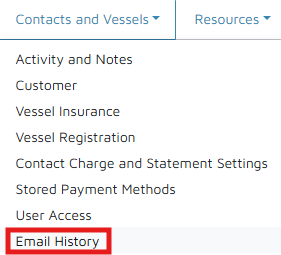
- If the email was not delivered successfully, navigate to Reports > Contacts and Vessels > Email History to get more details about the error.
- In the Contacts screen, navigate to the customer's Emails tab to find the e-mail.
- Take note of the error and email address, then escalate to Support for further investigation.
Verification: The customer can receive emails again. If not, please escalate to Support for further investigation.