
- "How do I send a Reservation Confirmation Email?"
- "I want to send the customer an email with the pay now option. Where can I do that?"
Resolution Steps
- On the left menu, click on Spaces > Reservations.
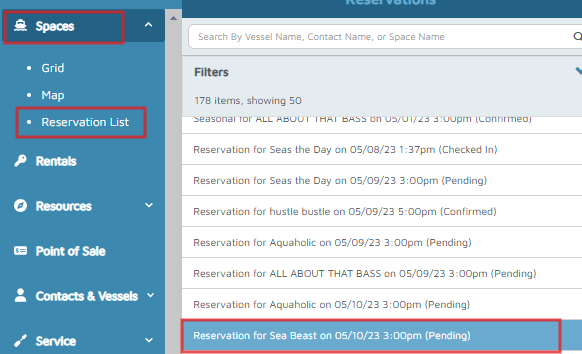
- Select a reservation and change the Reservation Status to Confirm.
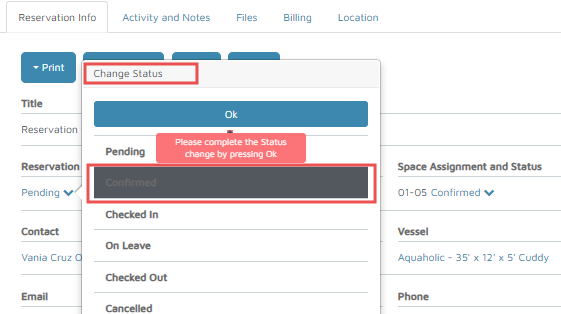
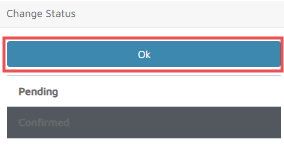
- Click OK to complete the process.
- Fill out the necessary information and click Send Email.
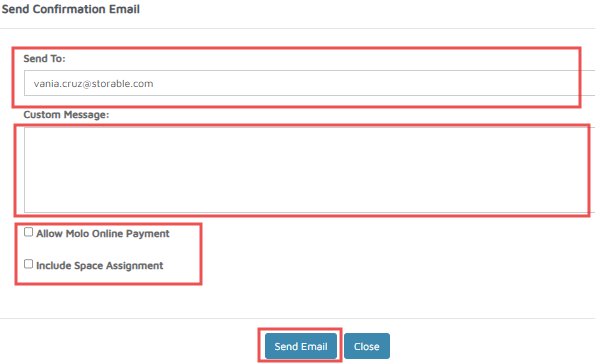
Verification: Once the email is successfully sent, the (Email has been sent) message will appear.