
- "How to create a reservation with a payment plan or installments."
Resolution Steps
- Click on New Reservation.
- Select the Contact and Vessel for the reservation.
- Ensure a rate is selected under the Seasonal Flat Rate section (e.g., dockage for a specific time period).
- Adjust the dates or pricing if needed using the pencil (edit) icon, then click Next.
- Select the slip space the vessel will occupy.
- On the Overview and Payment page, locate the section labeled Payment in Installments.
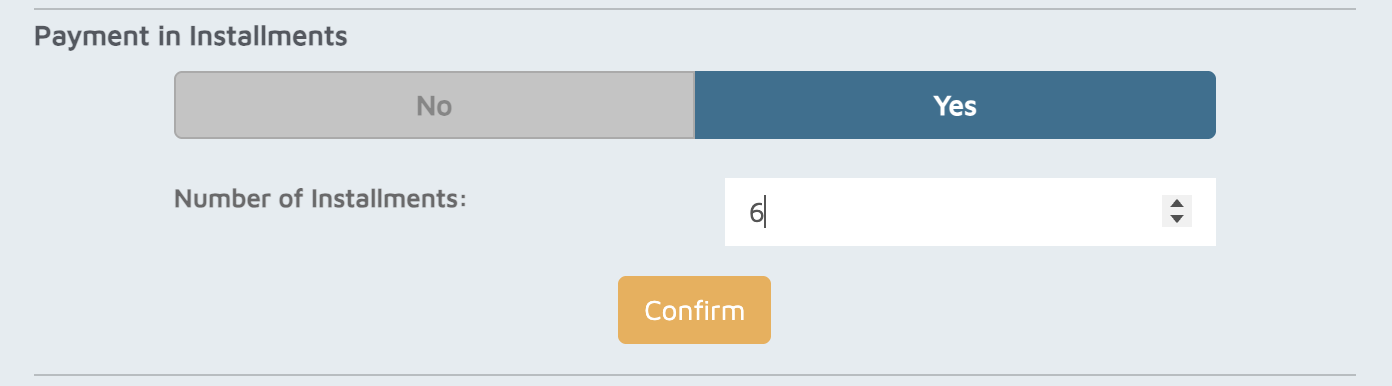
- Select Yes for Payment in Installments.
- Choose the number of installments and click Confirm.
- The system will automatically split the invoice into even installment invoices (e.g., 6 equal parts).
- From here, you can:
- Send the email contract to the customer, or
- Reserve without payment if needed.
Verification: The installments(invoices) should appear under the billing tab of the reservation or the customer's account.