
- "How do I delete labor hours on a work order?"
- "Can labor hours be removed from a work order?"
Resolution Steps
- Go to Service → Work Orders.
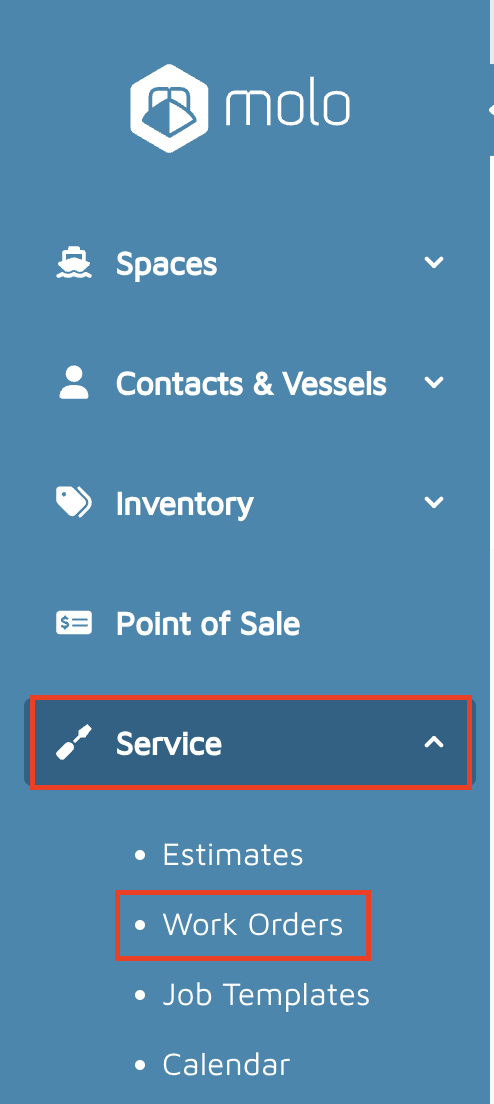
- Open the Work Order you want to update.
- Scroll down to the Jobs area.
- Locate the Labor section.
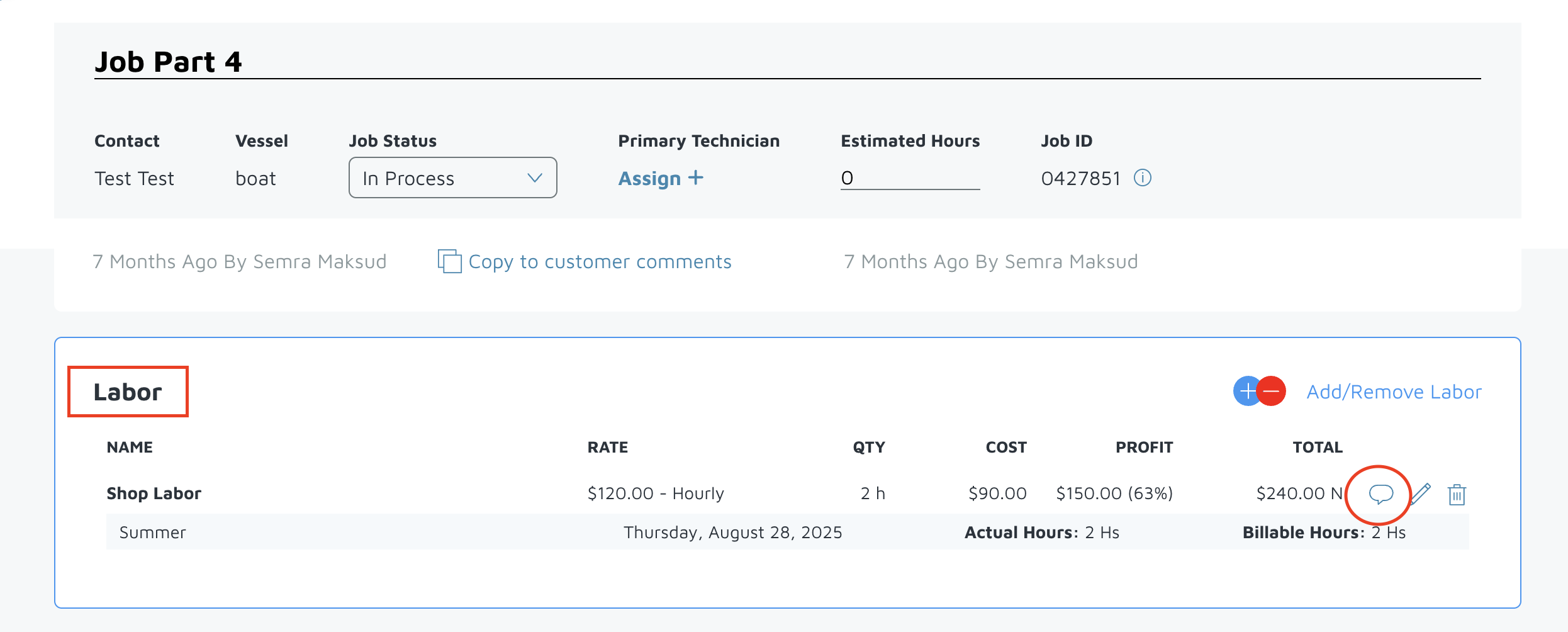
- Click the bubble next to the labor entry to expand details.
- Find the Technician Hours listed.
- On the right side, click the trash can icon next to the technician hours entered.
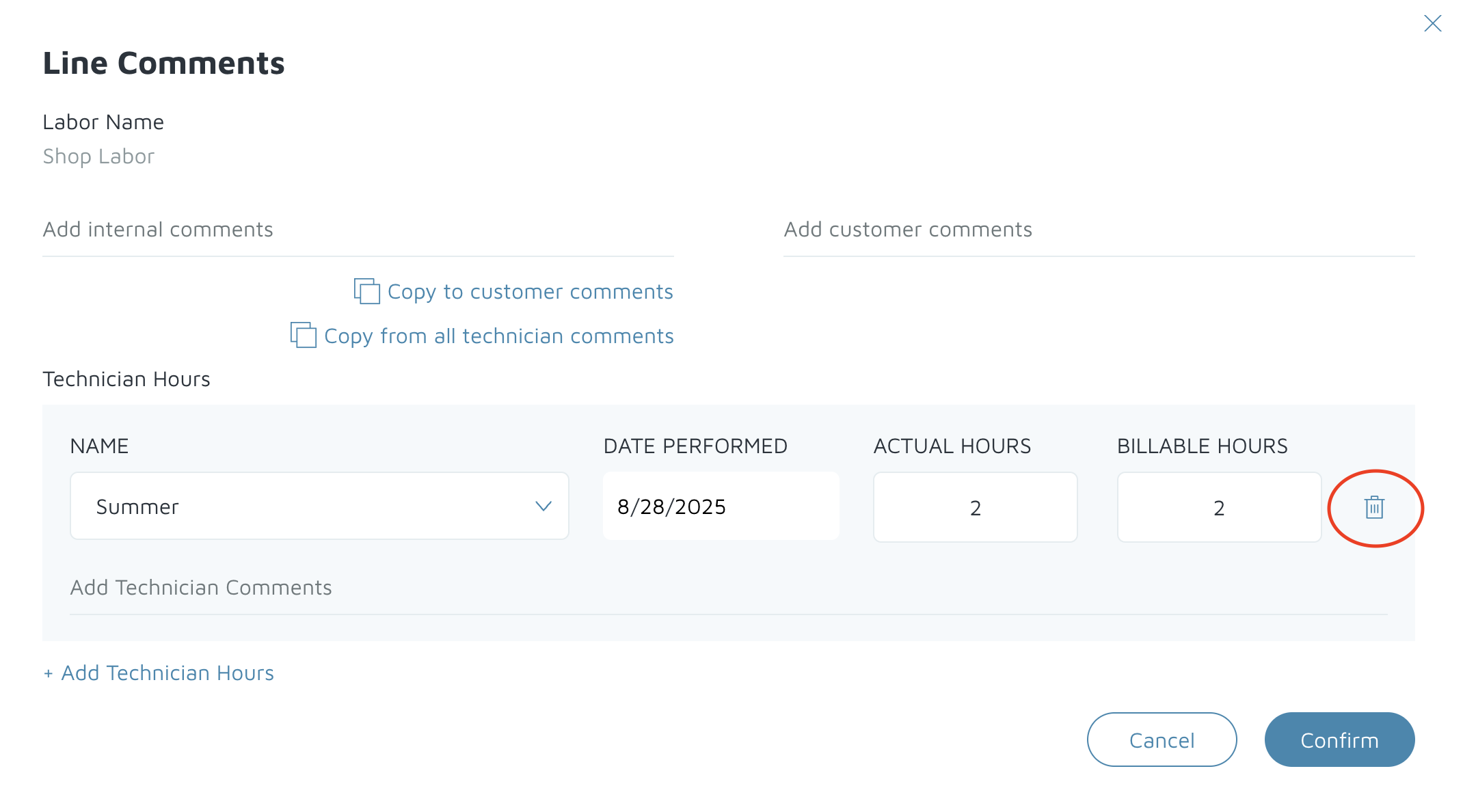
- A confirmation pop-up will appear — click Yes, Delete Those Hours.

- Click Confirm.
Verification
Check that the labor entry is removed from the Jobs area.
Ensure the work order totals recalculate correctly after the hours are deleted.