
- "How can I update the scheduled arrival/departure dates on reservations?"
- "Can I change the arrival/departure dates on a reservation?"
Resolution Steps
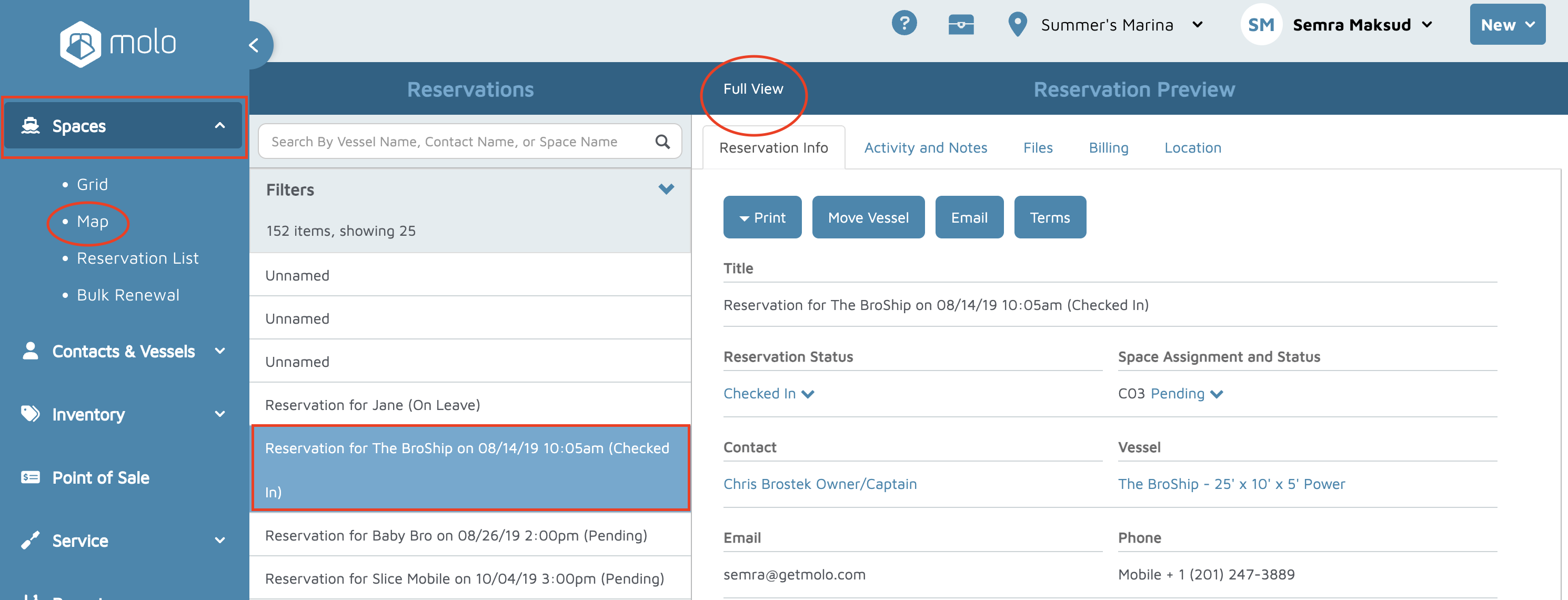
- Click Space -> Reservation List.
- Type the name of the contact or vessel in the search box to locate the reservation you want to modify.
- Click or touch on that reservation and you will be presented with the Reservation Preview.
- Click or touch on Full View to see all the details of the reservation.
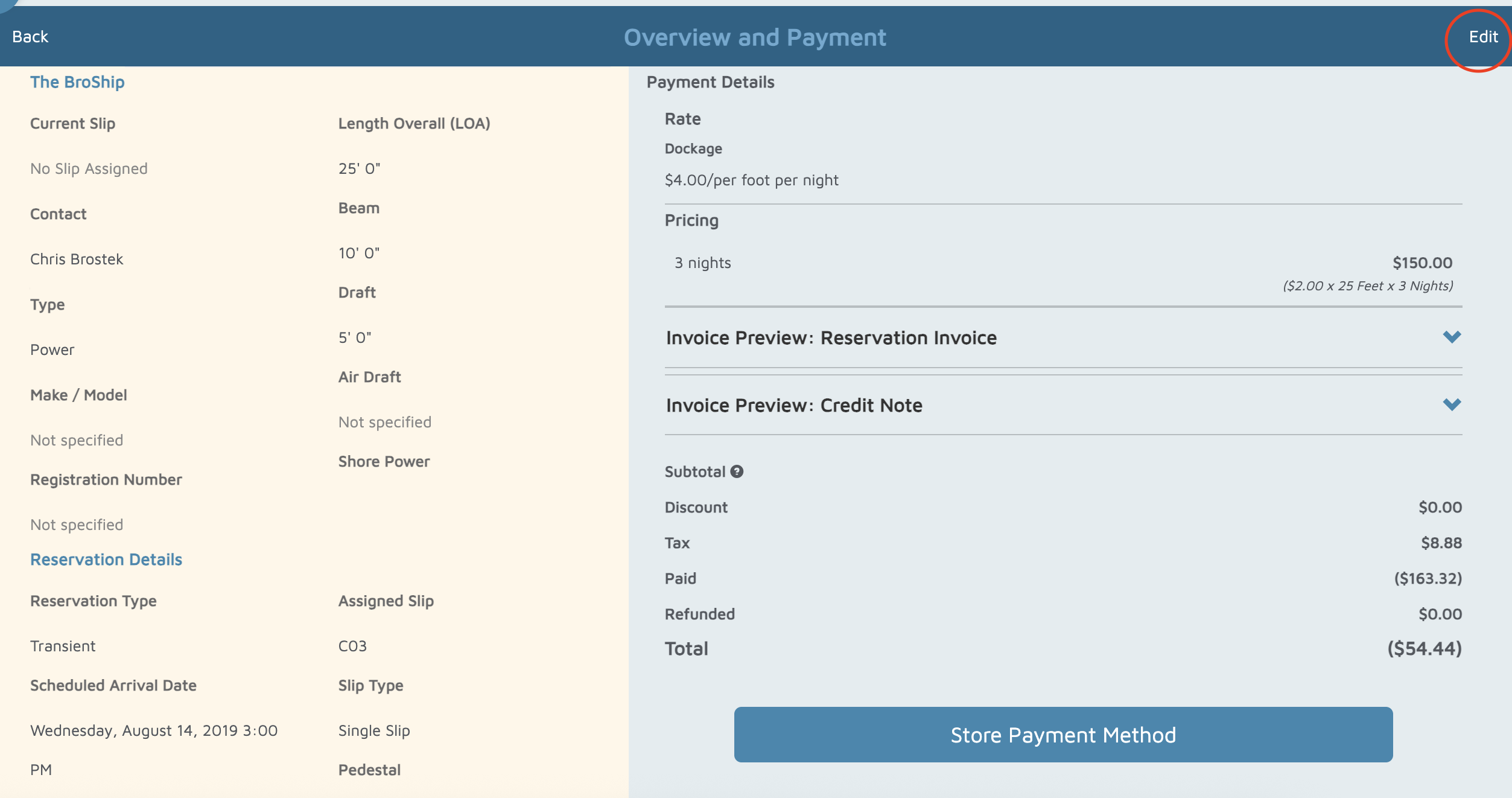
- Click or touch the Edit button on the top right of the screen then click or touch the Change button in the section labeled Reservation Details.
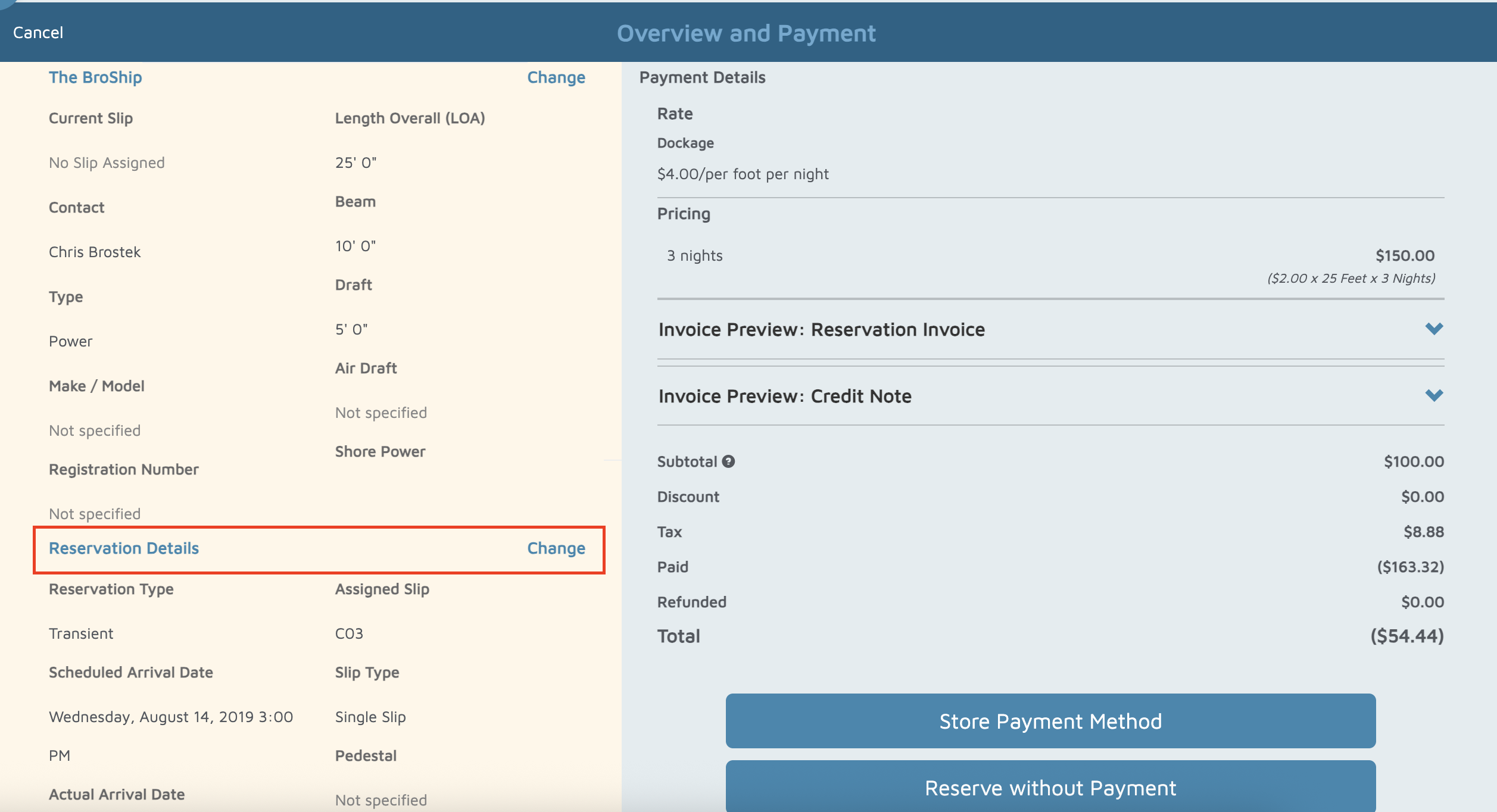
- You can then update the Scheduled Arrival Date or Scheduled Departure Date.
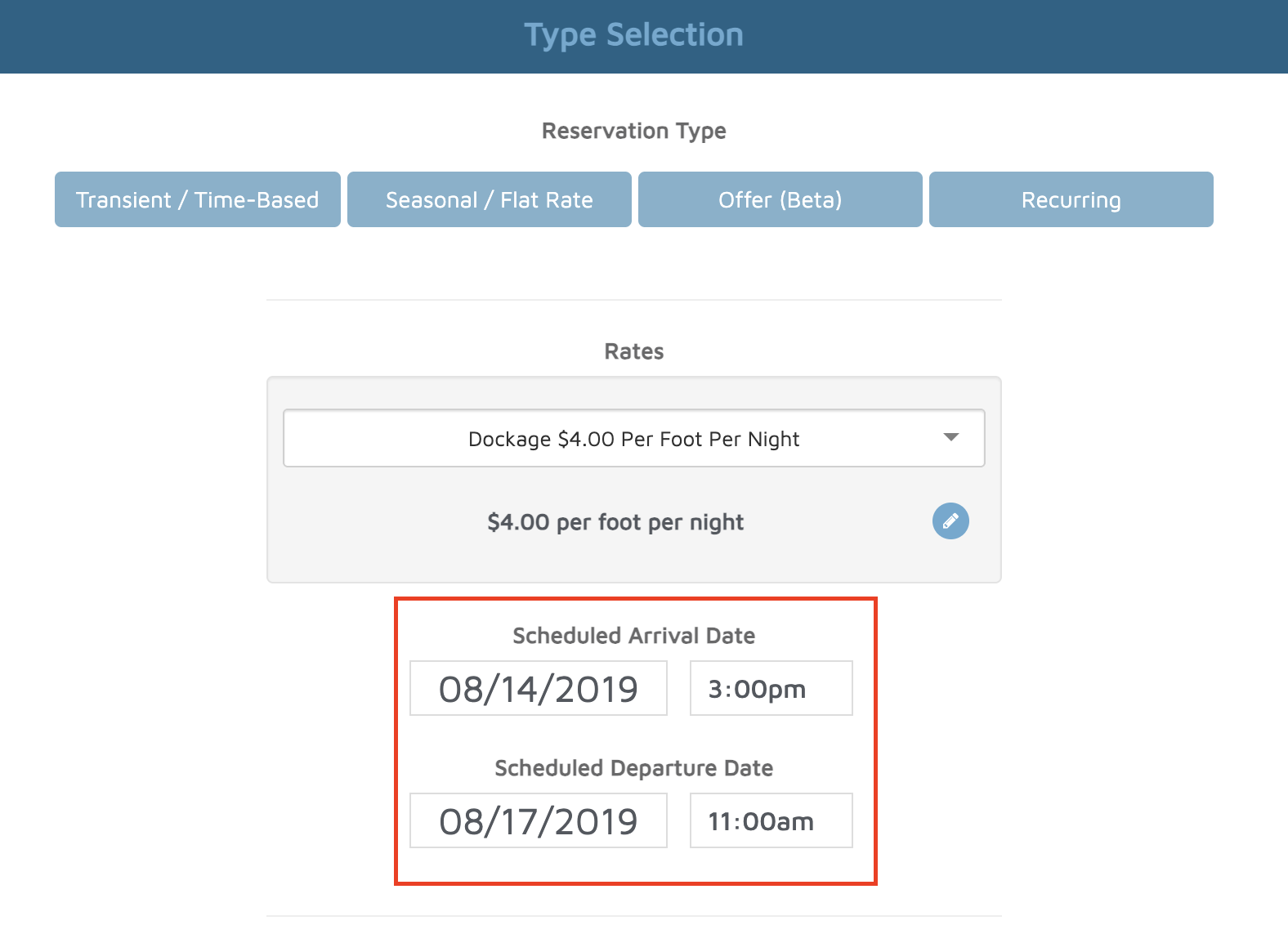
- Then click Next, continue through till you get to the end of the reservation process.
Verification: The new arrival or departure dates should show up when you pull up the reservation.