
- “I accidentally deleted a contact in Molo. How can I make it active again?”
- "I have a customer who was marked inactive but is back now. How do I make their account active again?"
Resolution Steps
- Go to Contacts and Vessels from the left-hand menu.
- Select Contacts.
- At the top of the contact list, choose either Deleted or Inactive—depending on where the contact is listed.
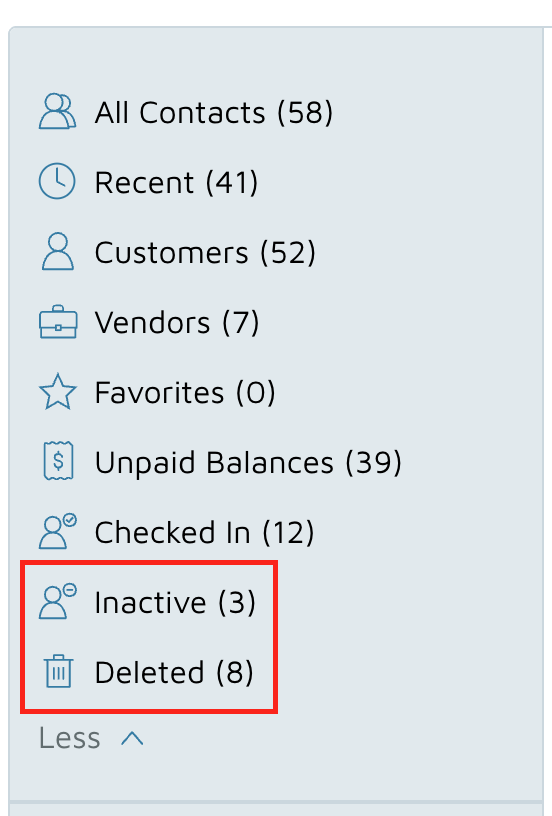
- Find and select the contact you want to restore.
- You’ll see a red banner that says: “You are viewing a deleted contact.”
- Click on the “Click here to make it active” link in the banner.

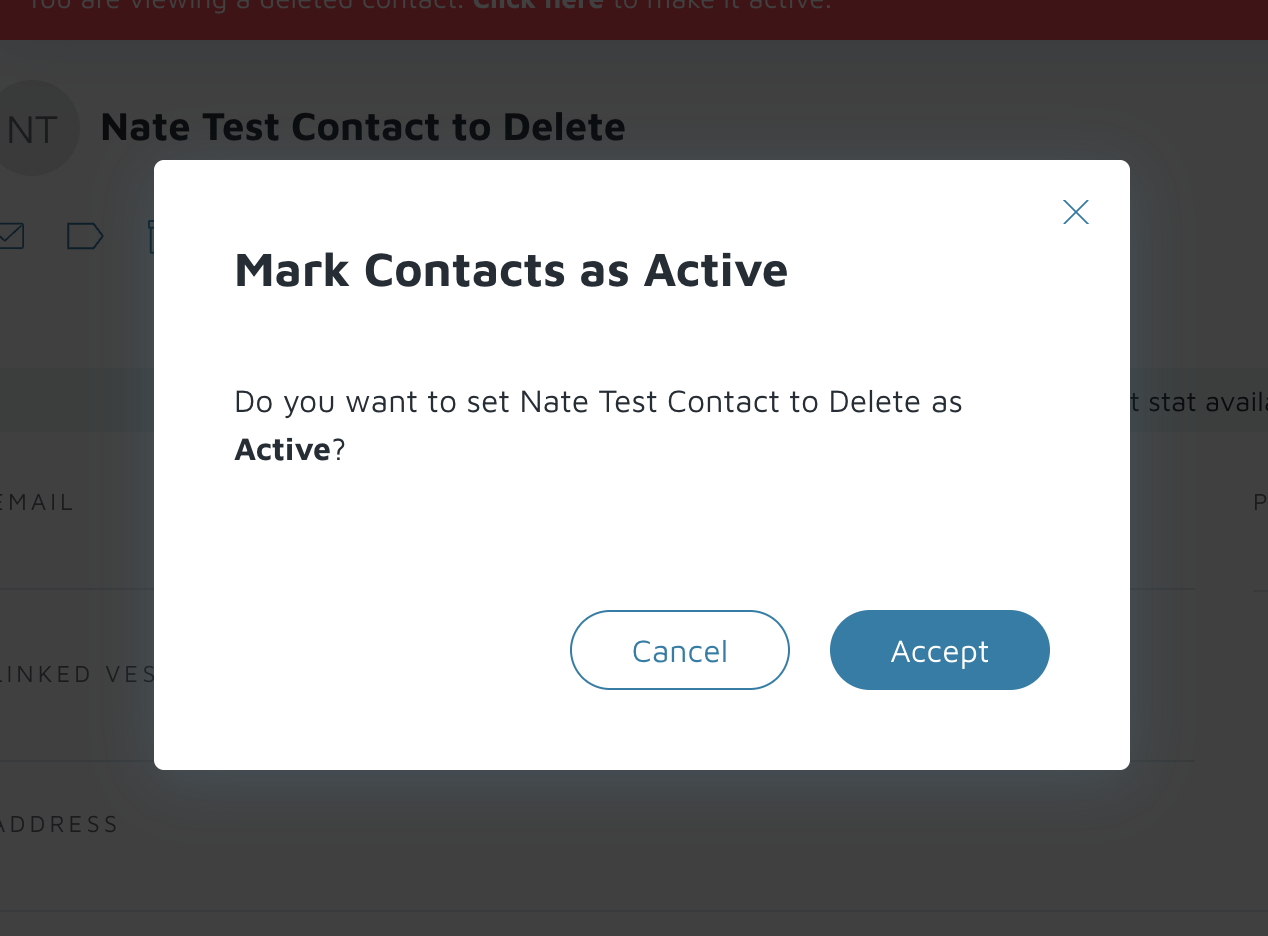
- A pop-up will appear asking you to confirm. Click Accept.
Verification: The contact will now be restored and marked as active again.