- "Can you give me an overview of the reservation list section?"
Resolution Steps
Space > Reservation List
A Reservation Preview panel will appear on the right side of your screen.
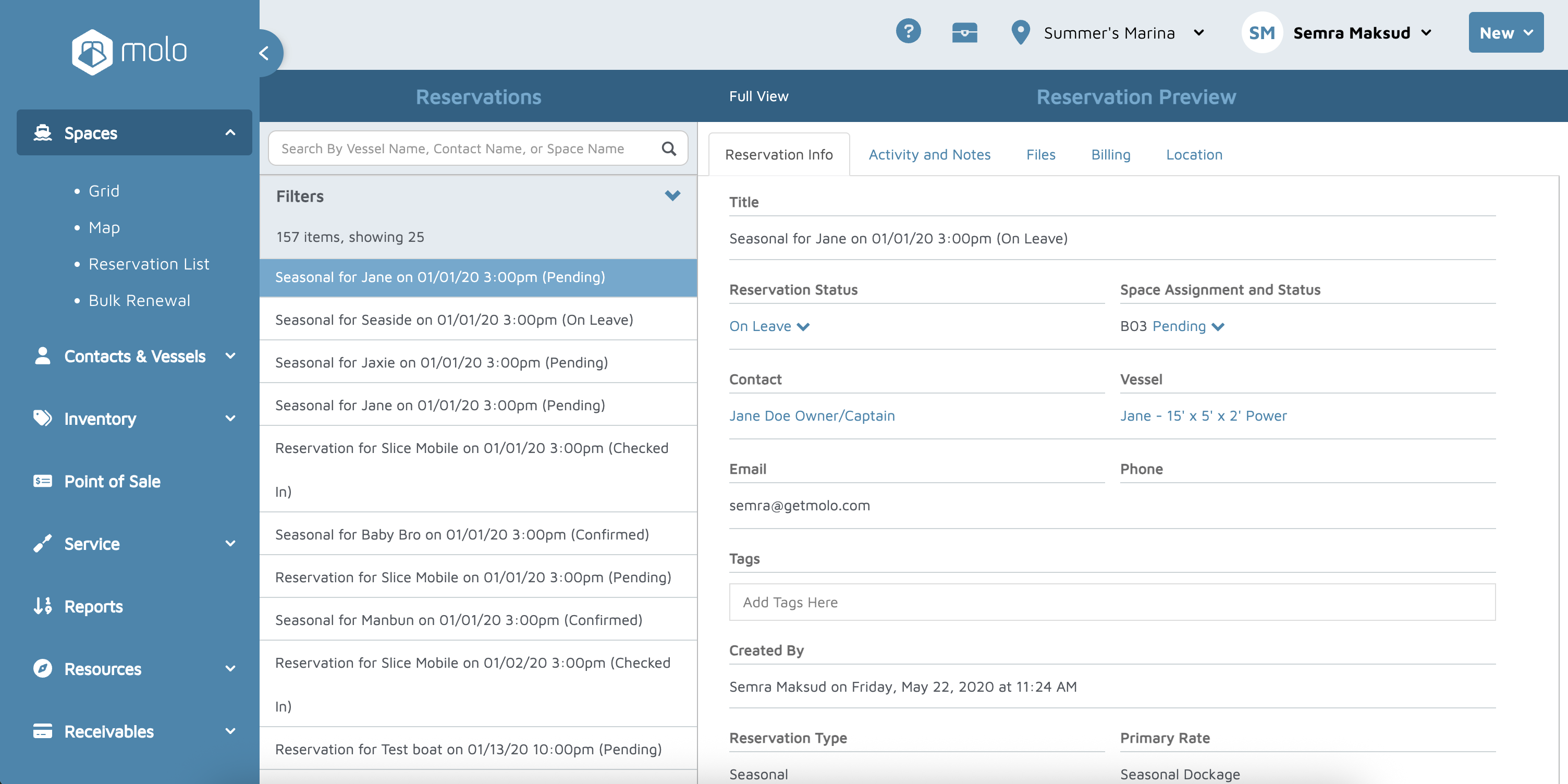
The preview displays key information, including:
Status of the reservation
Space assigned
Contact and vessel information
Reservation creator
Reservation type
Rate being used
Arrival and departure dates
Whether a confirmation email was sent
Whether terms were accepted
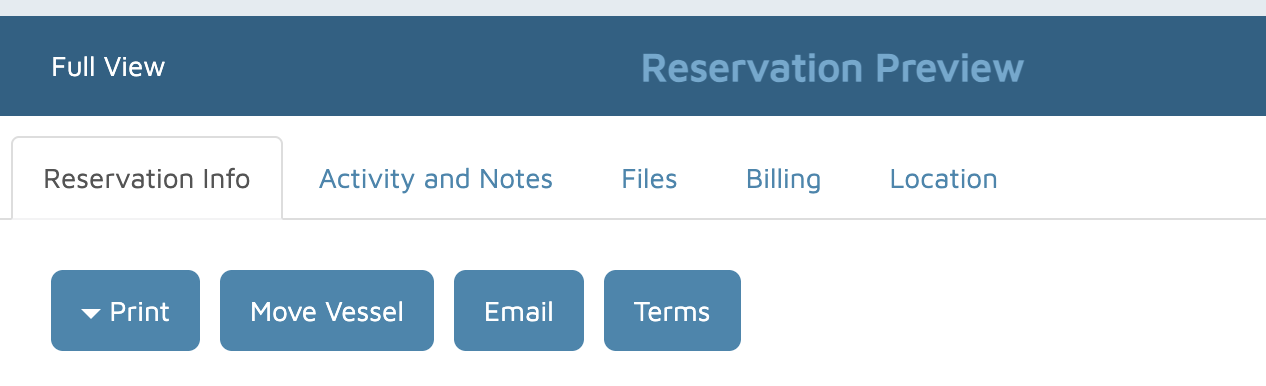
At the top of the preview, you can:
Print the reservation for a customer
Email a copy to the customer
Move the vessel if the space needs to change
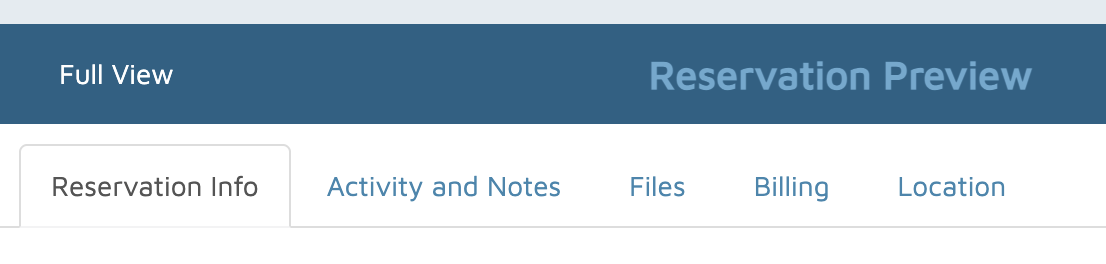
Tabs Within the Reservation
Activity Notes – Shows all changes made to the reservation. You can also add custom notes.
Files – Upload and store important files related to the reservation.
Billing – Displays all invoices associated with the reservation.
Location – Used to manage reservation status such as “On Leave.”