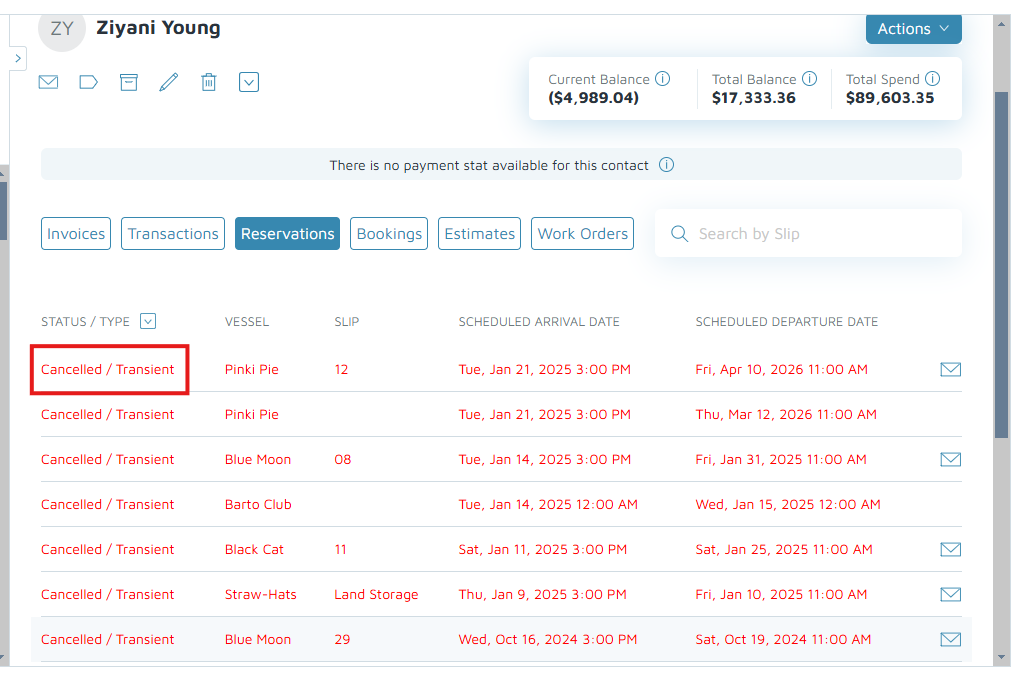
- "How do I find out about a contact’s canceled reservations?"
- How to view a customer's canceled reservation?"
Resolution Steps
1. On the left menu, click Contacts & Vessels > Contacts.
2. Enter the contact's name in the search bar and choose the desired contact.
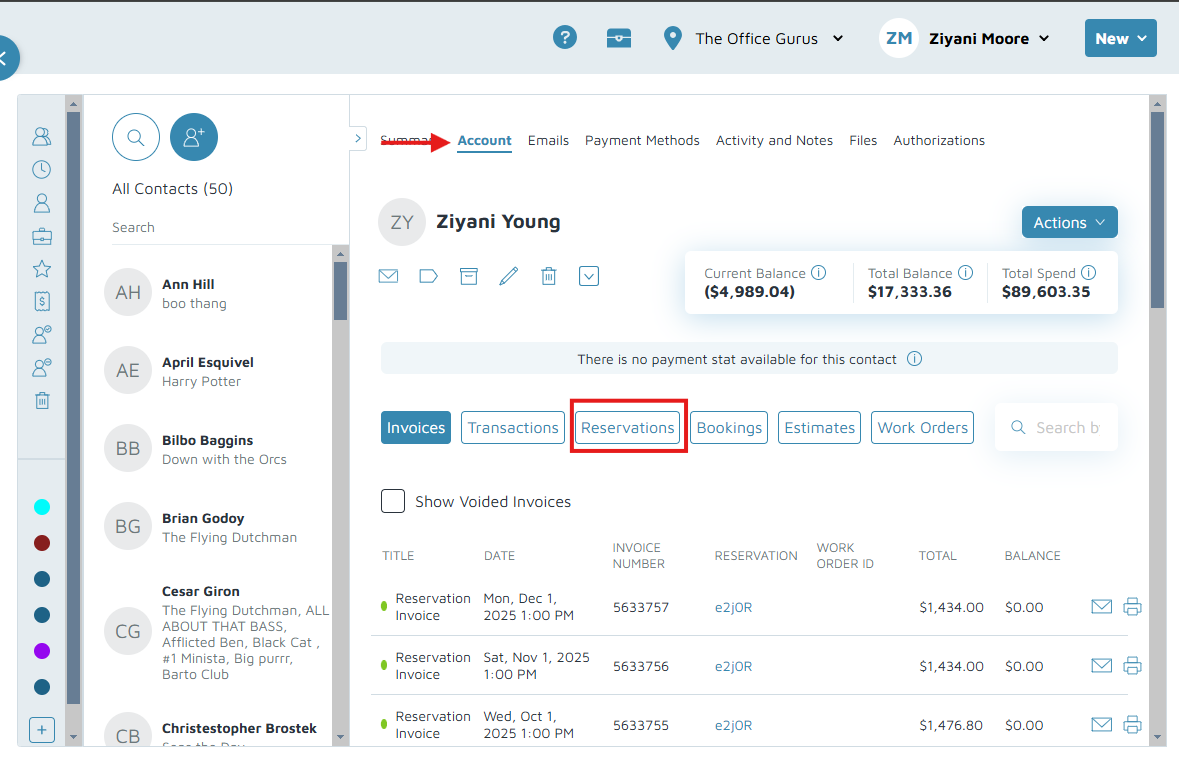
3. On the top, click Account.
- Click Reservations.
- Click the down arrow next to Status/ Type column to filter the results.
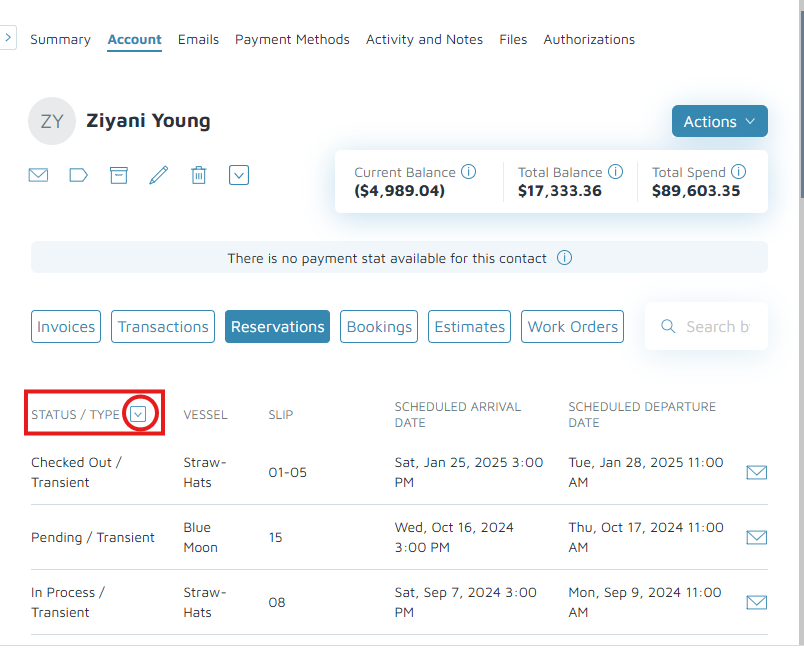
- Uncheck reservations with Cancelled status only.
- Click Apply.
- Click Reservations.
Verification: The canceled reservations are displayed in red font with the status "Cancelled".