- "One of our boaters will stay for an extra night. How can I change the departure day?"
- "How can I change a reservation's arrival and departure date?"
Please note: Once a Reservation is created, Molo pulls the Terms, Rate Settings, Invoicing Methods and other metrics directly from the Rate. If you must update the Reservation via Full Mode, please review the Invoices before and after to review that they are reflecting the intended value.
*Editing via "Full View" mode is only available for Time-Based and Seasonal reservations. Recurring Reservations cannot be edited in "Full View" mode.
Resolution Steps
- On the left menu, navigate to Spaces > Reservations List and select a reservation.
- Open the reservation and click Full View.

- Click on Edit.

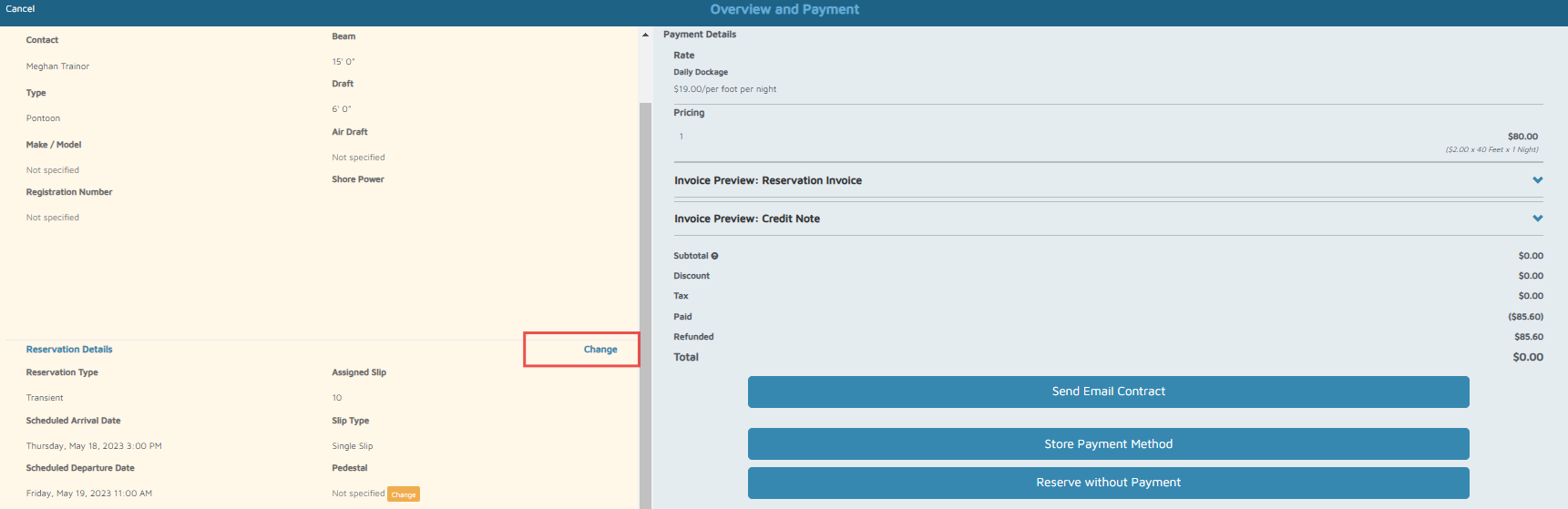
- Scroll down to the left-hand side and click Change.
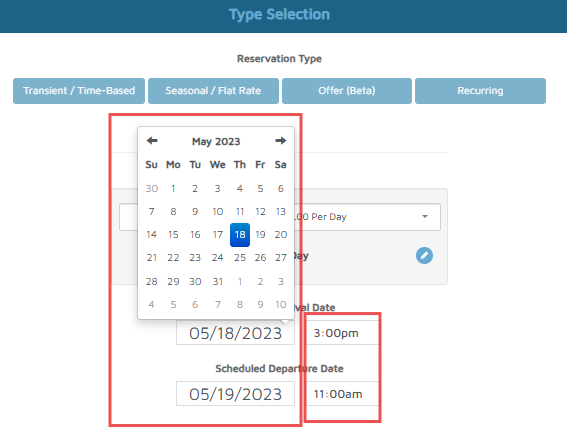
- Adjust the dates and time.
- Click Next.
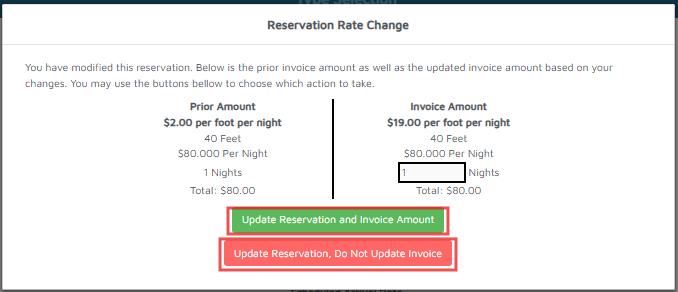
- On the popup, select either Update reservation and invoice amount or Update reservation, Do not update Invoice.
- Optional: Select a slip, then click Next.
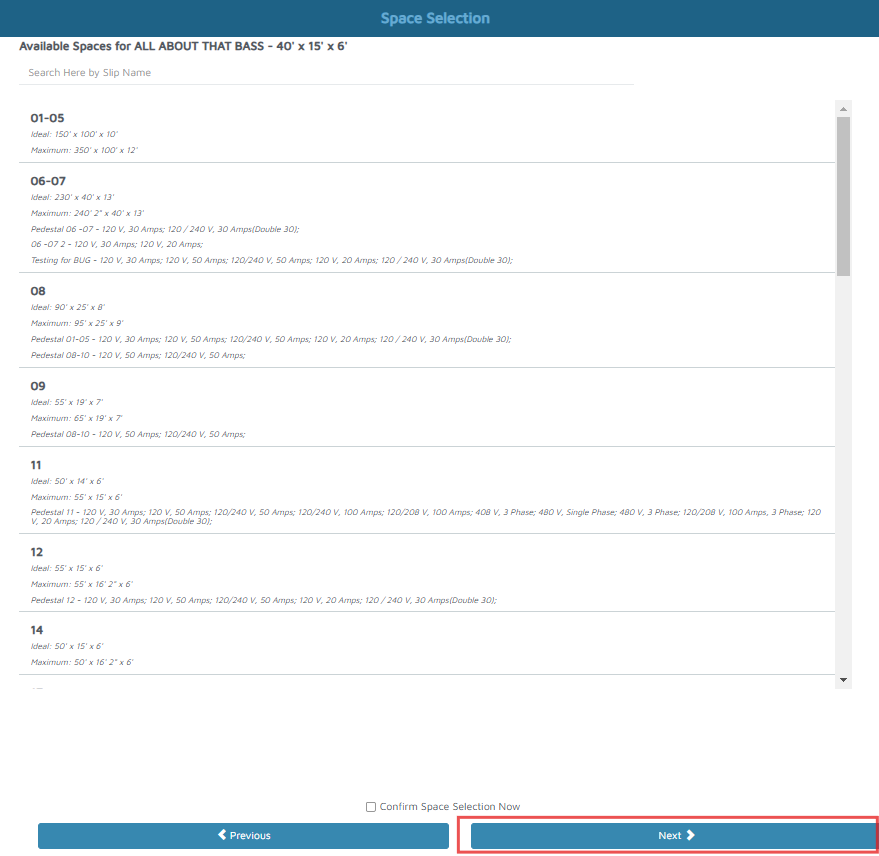
- Confirm that the information is accurate and select Reserve Without Payment.
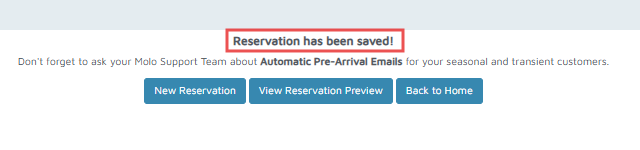
Verification/Confirmation: Once updates are successfully made, a Reservation has been saved notification will be visible on the screen.